Every successful presentation starts with one important thing: clarity. Whether you are giving a business presentation, leading a meeting, teaching students, or hosting a webinar, your audience wants to understand one thing right away:
“What will this presentation cover?”
This is why agenda PowerPoint slides are so important.
An agenda slide works like a roadmap for your presentation. It shows the main topics, the order of discussion, and the flow of information. This helps the audience follow the presentation easily and stay focused.
A well-designed agenda slide does more than just list topics. It creates a professional first impression, keeps the presentation organized, and helps the audience know what to expect.
This comprehensive guide explores everything you need to know about agenda slides, including their purpose, benefits, importance, and best examples.
Why Agenda Slides Matter
(i). They Create Structure
Presentations without a clear structure can feel confusing and difficult to follow. Audiences may struggle to understand how topics connect or where the presentation is headed.
Agenda slides solve this problem by providing a roadmap. They help listeners mentally prepare for what comes next and understand how different sections relate to each other.
(ii). They Set Expectations
Agenda slides communicate exactly what the audience can expect from the session.
This is particularly important in professional settings where attendees want to know:
- What topics will be discussed?
- How long will the meeting last?
- Whether their concerns will be addressed?
- What outcomes can they expect?
By setting expectations early, presenters establish transparency and build trust with the audience.
(iii). They Improve Audience Engagement
Agenda slides help keep the audience hooked throughout the presentation.
When the audience knows what topics will be covered and what is coming next, they feel more prepared and comfortable. Instead of wondering about the direction of the presentation, they can focus fully on the information being shared. This reduces confusion and helps listeners stay attentive from beginning to end.
(iv). They Support Time Management
Agenda slides help presenters manage time in a better way.
In longer presentations or meetings, adding a rough time estimate for each section can improve the flow. It helps the presenter understand how much time to give to each part.
For example:
- Introduction — 5 minutes
- Market Analysis — 15 minutes
- Strategy Discussion — 20 minutes
- Q&A — 10 minutes
This kind of structure keeps the presentation organized and ensures that every important topic gets enough attention.
(v). They Enhance Professionalism
A well-designed agenda slide creates a strong first impression from the start of the presentation.
It shows that the presenter is prepared, organized, and values the audience’s time. When people see a clear agenda, they feel the presentation is well planned. It also makes the presenter appear more credible and reliable.
(vi). Supports Smooth Transitions
Presentations often have different sections or even multiple speakers. Agenda slides help make these changes smooth and easy to follow.
During the presentation, the speaker can refer to the agenda slide to show the audience which part they are currently discussing. This helps people stay oriented and not feel lost.
Overall, smooth transitions make the presentation feel more organized, natural, and professional.
(vii). Useful for Multi-Speaker Presentations
In conferences, seminars, and team presentations, there are often multiple speakers involved. Agenda slides help manage this smoothly.
They make it clear who will speak and when, so everyone understands their role. This avoids confusion and ensures that topics are not repeated or overlapped by different speakers.
Agenda slides also help maintain a proper flow from one speaker to another, so the presentation feels connected and continuous.
The Best Examples of Agenda Slides
1.
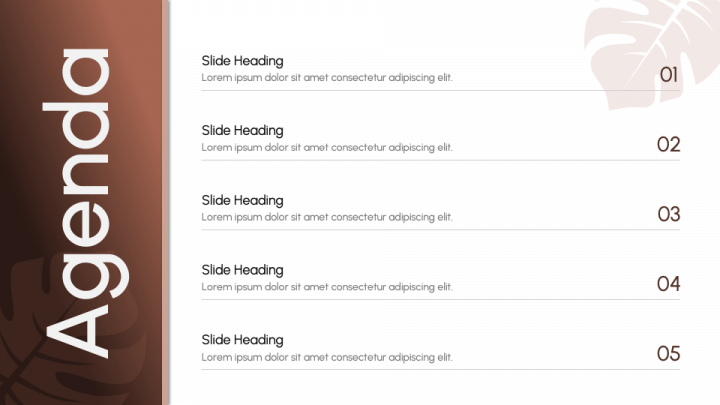
This agenda slide is designed to act as a roadmap for the presentation rather than a content-heavy slide. It features a simple numbered list, a clean background, and a minimal layout. Numbering creates a mental sequence, making it easier to follow a long narrative. Large amounts of white space are used to avoid visual clutter.
Each agenda represents a major section of the presentation. You can easily customize the color and replace the dummy text with your own content.
Whether you are hosting board meetings, client workshops, training sessions, or conference talks, this editable agenda slide deck gives your presentation a neat, polished look.
2.
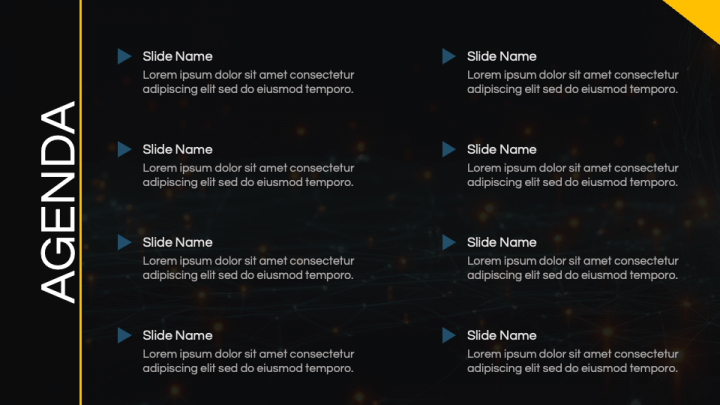
With a blend of visual appeal and professional design, this slide showcases the key points of your presentation at a glance. It features a modern, dark background that ensures a sophisticated look, suitable for any professional setting. The white typography creates a perfect contrast, increases the readability of the content, and enhances visual impact.
The blue-colored arrows point towards each slide’s heading and short description. This design element helps guide your audience smoothly through each slide at the beginning of the presentation, setting clear expectations. You can easily change the colors and content to perfectly match your presentation’s style and tone, ensuring a cohesive look with other slides.
A perfect slide for creative pitches, corporate presentations, and educational lectures.
3.
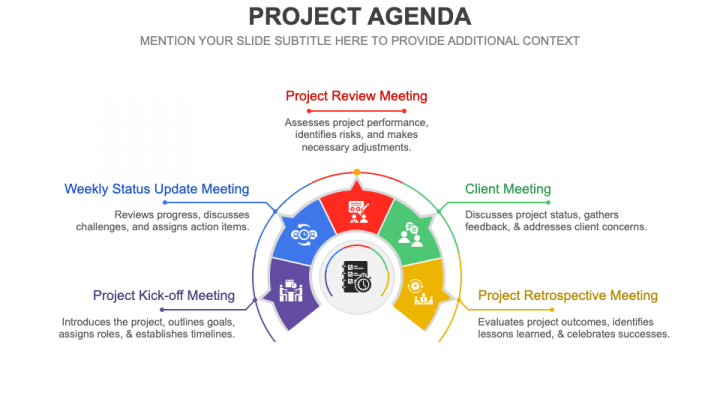
This aesthetically pleasing slide is an ideal choice for client meetings and project update presentations. It helps you clarify the purpose and schedule of various meetings, aligning clients and project team members. The slide helps project managers guide the flow of the meeting and save time by keeping discussions structured.
The slide features a semi-circular illustration divided into five sections. Each section is a different color to make each agenda distinct. The high-definition icons enhance understanding.
This PPT is fully customizable. You can easily change the colors, fonts, and text to match your team or company style. Whether you are handling a small project or a large team initiative, this slide helps keep meetings clear, organized, and productive.
4.
If you want your presentations to be more organized and efficient, using this creative agenda slide is a good choice. This visually captivating slide will help you set the tone of your presentation, ensuring your audience stays focused and aligned.
With this PPT, you can provide a glimpse to the audience of what topics are included in the presentation from the introduction to the conclusion. This slide helps presenters organize their presentation, ensuring all important points are covered without going off topic.
The combination of blue, grey, and white colors reflect professionalism and sophistication. The simple, minimalist design makes it suitable for a wide range of presentation types, including business, marketing, sales, finance, education, etc.
5.
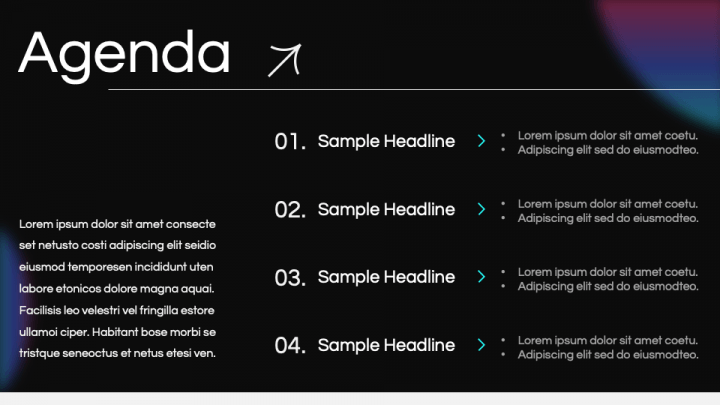
This slide has a stylish dark background with bright neon pink and purple colors that make the presentation look modern, creative, and eye-catching. The glowing gradient effects help grab the audience’s attention instantly and give the slide a professional yet trendy appearance. The white text placed on the black background creates strong contrast, making the content easy to read and visually impactful.
The slide also includes a numbered list layout with editable text placeholders, allowing you to quickly add your own points, ideas, or key messages. This organized structure helps present information clearly and keeps the audience focused on the main topics.
This PPT is useful for client pitches, internal marketing planning, content strategy presentations, and performance marketing reviews.
6.
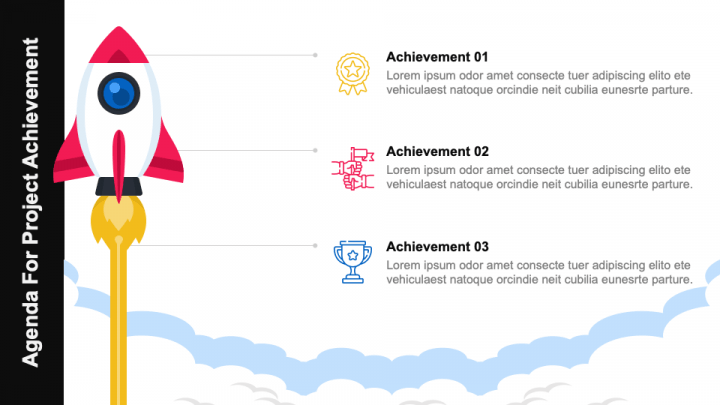
This agenda slide features a clean, modern, and professional design that helps presenters display project milestones, goals, and achievements in a clear and organized manner. The slide includes colorful infographic elements such as a rocket, icons, and highlighted sections that make the content more visually appealing and easier to understand. These creative visuals help capture the audience’s attention while also making each achievement or discussion point stand out clearly.
The layout is structured in a way that allows the audience to quickly follow the agenda and understand the flow of the presentation without confusion. Each section is separated neatly, helping presenters explain information step-by-step in a smooth and professional manner.
The slide is designed around visual hierarchy to reduce cognitive load.
7.
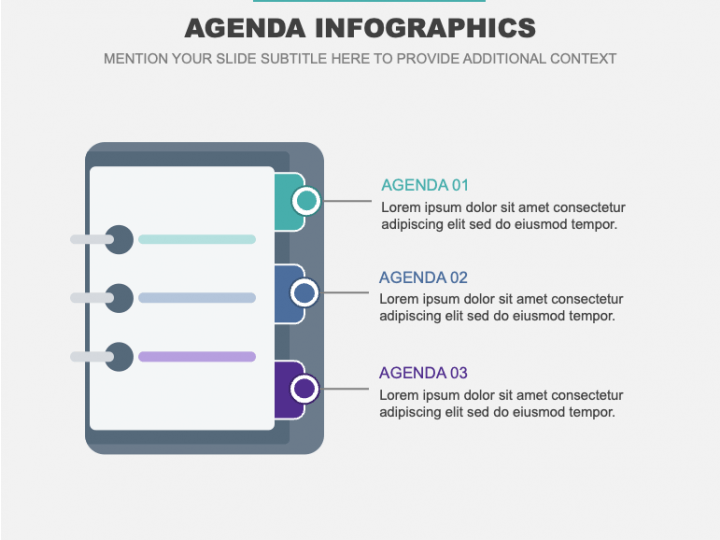
Effortlessly guide your audience through important points and milestones using this visually impressive slide. The design is simple, clear, and well-structured, making it easy for the audience to follow your agenda without confusion.
With its intuitive layout and minimalist design, this slide helps you present information in a more engaging way. It allows you to highlight key points, explain milestones, and organize content in a structured format.
This versatile PPT is useful for a wide range of presentations, including business, sales, finance, healthcare, education, etc.
8.
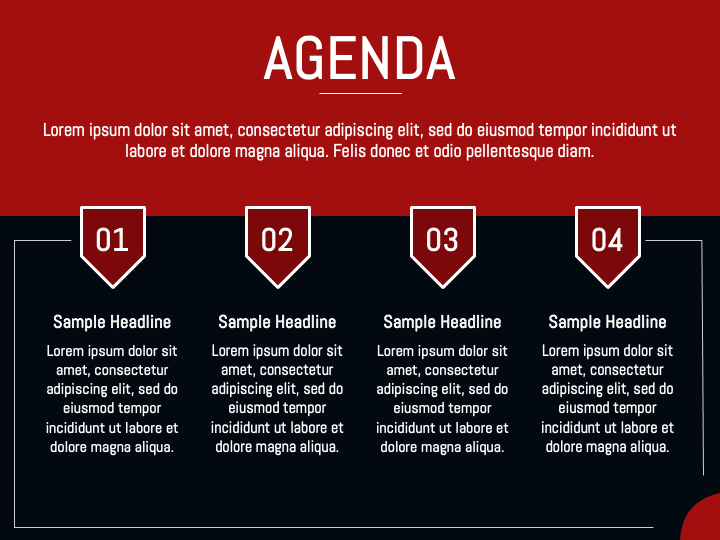
Make the start of your presentation more attractive and engaging with this black and red background agenda slide. The modern color combination creates a bold and professional appearance that immediately captures the audience’s attention. The slide uses bold white typography on a dark background, which improves readability and makes the content easy to understand even from a distance.
Whether you are preparing for a business meeting, conference, workshop, seminar, or academic lecture, this slide helps you introduce your agenda clearly and ensure that all important topics are covered in an organized manner.
This fully editable slide allows you to present the schedule, session details, and discussion topics in a simple yet visually appealing format. It provides enough space to add titles, descriptions, timings, or key points according to your presentation needs.
9.
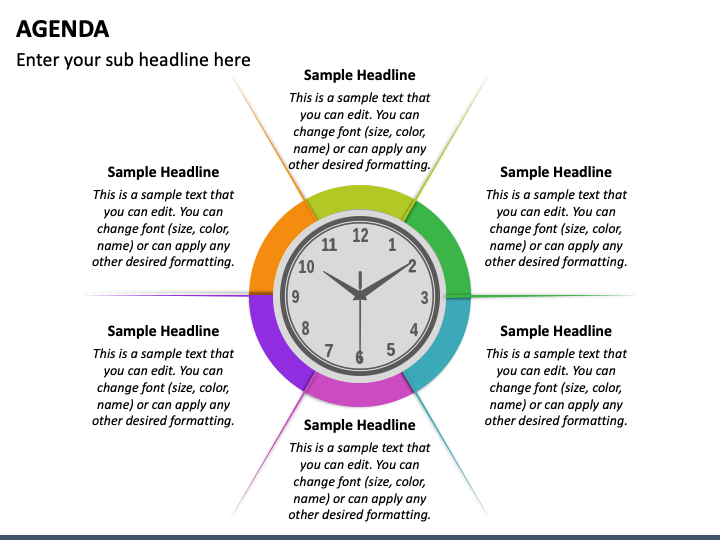
This clock-themed slide is a smart and professional choice to explain agendas and time management in a simple and attractive way. Each section of the clock can be used to display a different agenda item, task, or activity with its assigned duration. This helps the audience clearly understand how much time will be spent on each topic.
The slide is fully editable, so you can easily customize colors, text, fonts, and background. It is a useful visual tool for showing schedules, timelines, priorities, and planning activities.
You can use this slide in many types of presentations, such as business meetings, project planning, training sessions, workshops, team discussions, and daily or weekly planning presentations.
10.
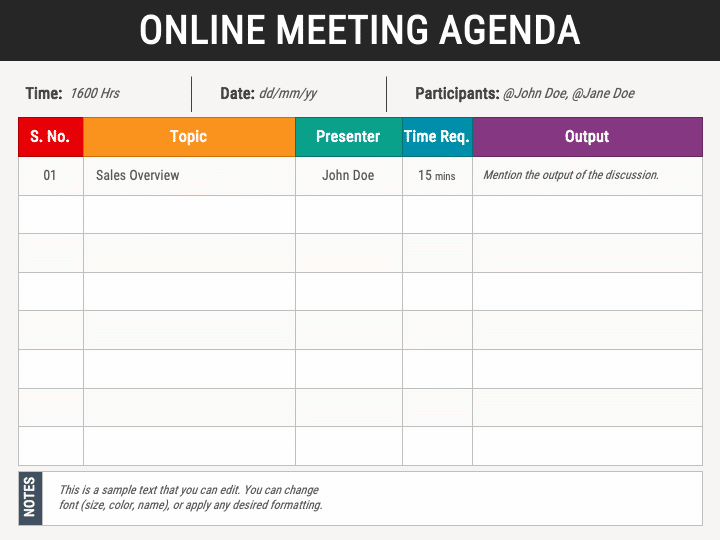
The clean, modern online meeting agenda slide features a table layout for organizing agenda items. This slide displays all important meeting details in a clear and structured format. It helps participants understand the meeting schedule, discussion topics, responsibilities, and expected outcomes before the meeting begins. This well-designed slide enables the audience to quickly understand the meeting structure.
This visually attractive slide includes important elements, such as meeting date and time, participants, discussion topics, presenters’ names, time duration for each topic, and expected output.
This slide can be used by many professionals and organizations, including business managers, team leaders, project managers, HR departments, trainers and educators, corporate teams, startup founders, and consultants. The PPT is perfect for presentations intended for business meetings, project planning, team collaboration, training sessions, client meetings, webinars, and virtual conferences.
11.
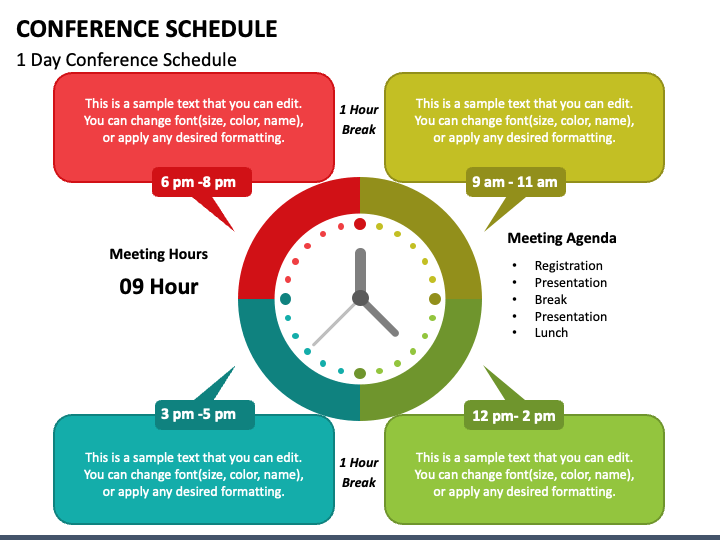
This slide presents an event timetable in a clear and visual way using a clock-style infographic. The design helps the audience quickly understand the flow of the event throughout the day. Different time slots are highlighted in different colors, which makes it easy to distinguish between sessions and improves overall readability.
The slide also includes editable text placeholders, so you can easily customize it according to your needs. You can add session titles, timings, speaker names, and venue details without changing the design. This makes the slide flexible and convenient to use for different types of events.
Corporate event organizers, educational institutions, event management companies, trainers, and consultants can incorporate this PPT in their presentations to showcase the schedule and information about business summits, annual meetings, leadership conferences, academic seminars, workshops, webinars, coaching sessions, and more.
Conclusion
Today, good communication is very important, and agenda slides are no longer just extra slides. They are an essential part of a successful presentation. They help organize the presentation, improve communication, keep the audience engaged, and make information easier to understand and remember. They also make the presenter look more professional.
For presenters, agenda slides help deliver the presentation smoothly and manage time more effectively. For the audience, these slides create a roadmap, set expectations, reduce confusion, and provide a more meaningful experience.
In a nutshell, a strong agenda slide does more than simply list topics. It guides the audience through the presentation, builds trust, and prepares everyone for a clear, focused, and effective presentation.