PowerPoint Tips

A Guide to PowerPoint Color Palettes (With Examples)
PowerPoint Tips

A Guide to PowerPoint Color Palettes (With Examples)

Presentations are no longer regular sessions where you simply sit and listen. Over the years, they have evolved into experiences that resonate with the audience and evoke specific emotions. They are immersive and require the perfect visual and auditory experience that people can relate to and retain. One of the...
6x6 Rule in PowerPoint
PowerPoint Tips

A Detailed Guide to the 6×6 Rule in PowerPoint

Some presentations feel endless - by the time they conclude, you are either yawning or simply relieved it’s over. Yet, there are a rare few that end at just the right moment, leaving you engaged, energized, and wishing the session had lasted a little longer. What separates these stunning presentations...
5-5-5 Rule in PowerPoint
PowerPoint Tips

A Detailed Guide to the 5-5-5 Rule in PowerPoint

Do you know what makes certain presentations stand out and memorable? Most presentations that are remembered by audiences are usually short, well-timed, and optimally structured. But how can you ensure that your deck is short and sweet, even when you have a lot of information to share? Well, with the...
How to Make a Picture Transparent in PowerPoint
PowerPoint Tips

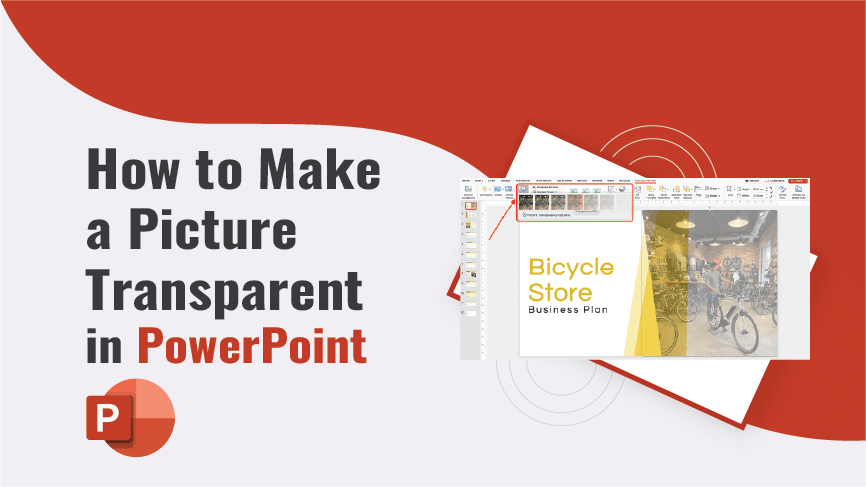
How to Make a Picture Transparent in PowerPoint

Nobody wants dull presentations these days. A slide should contain visuals or images to make the presented information intriguing and appealing to your audience. But adding a simple image is not enough; sometimes, it needs a little bit of editing to fit your business needs. You can make the pictures...
Speaker Notes in PowerPoint
PowerPoint Tips

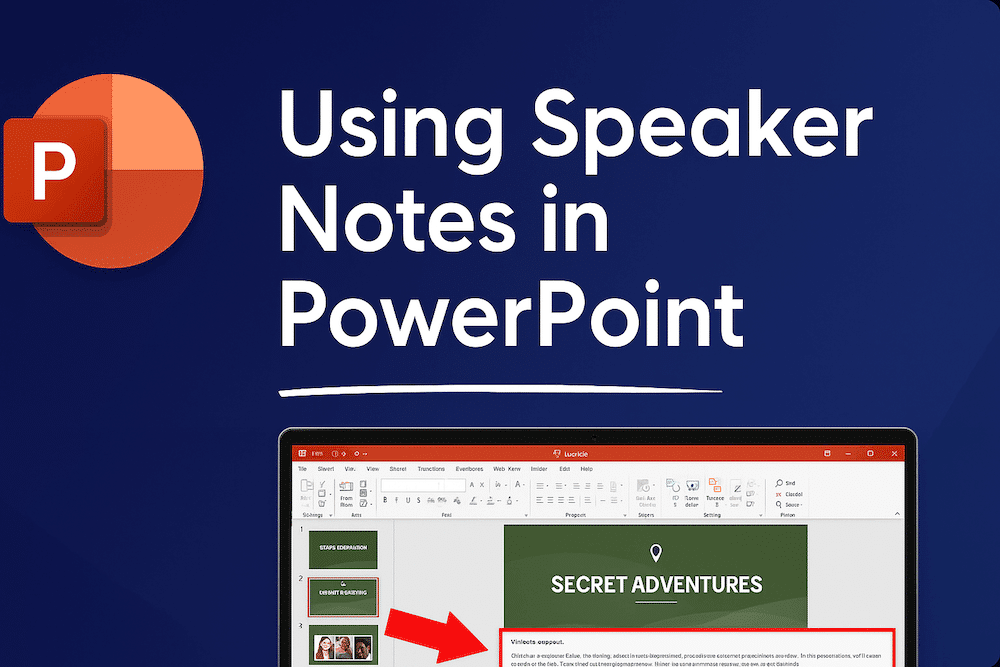
All You Need To Know About Using Speaker Notes in PowerPoint

Imagine a scenario. You are delivering a high-stakes presentation, and suddenly you realize that you have forgotten some important key points. Now, all your focus is on remembering those missing points, and your nervousness is evident on your face. Won’t your audience see your anxiety and shaking confidence?  Would they...
Fascinating PowerPoint Statistics to Amaze You
PowerPoint Tips

Fascinating PowerPoint Statistics to Amaze You

From a simple slideshow to a powerful platform, Microsoft PowerPoint has undergone a radical metamorphosis and exciting developments over the years, enhancing communication. Even after 37 years of its release, Microsoft PowerPoint holds 23.29% of the share in the presentation market. This statistic speaks a volume about the popularity and...
Grouping, Ungrouping, and Regrouping Elements in PowerPoint
PowerPoint Tips

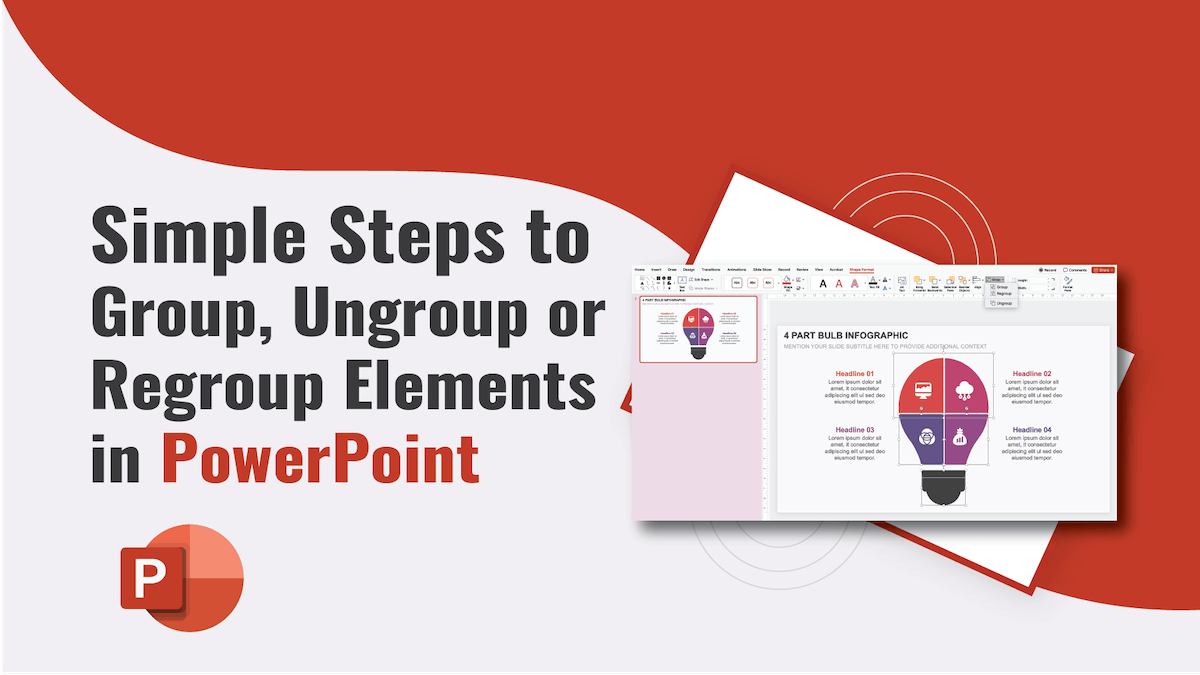
Simple Steps to Group, Ungroup or Regroup Elements in PowerPoint 

PowerPoint has various user-friendly features that allow users to craft compelling presentations quickly. Grouping, ungrouping, and regrouping are some of those excellent features. Grouping images or shapes in PowerPoint enables the users to move multiple elements at once. Whereas ungrouping lets the users break the grouped object back into individual...
A Guide to Highlighting Text in PowerPoint
PowerPoint Tips

Simple Steps to Highlight Text in PowerPoint 

PowerPoint is one of the most amazing tools for crafting and delivering engaging presentations. The platform enables the users to add multiple visual elements and even animation to make their slideshows attention-grabbing. One way to enhance the visual appeal of the slides and make the audience focus on specific information...
1 2 3 4
Page 1 of 4