


Accounting Vs Bookkeeping PowerPoint and Google Slides Template
Accounting Vs Bookkeeping PowerPoint and Google Slides Template
(2 Editable Slides)
Related Presentation Templates
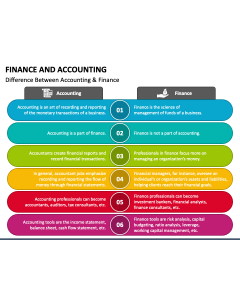
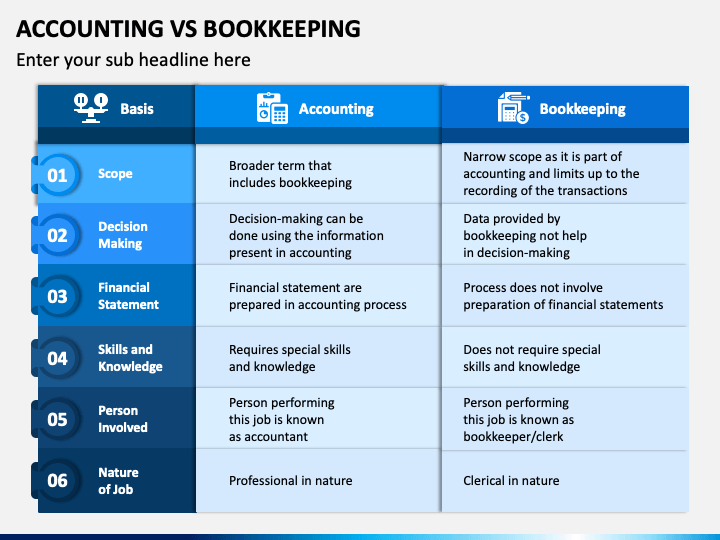
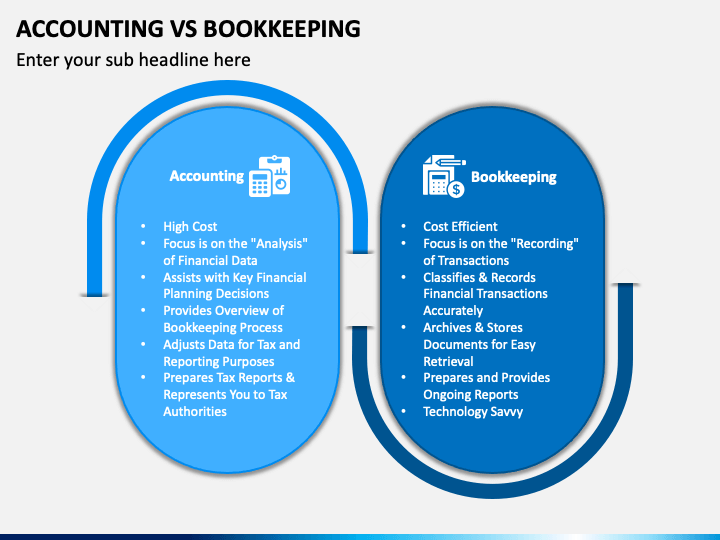
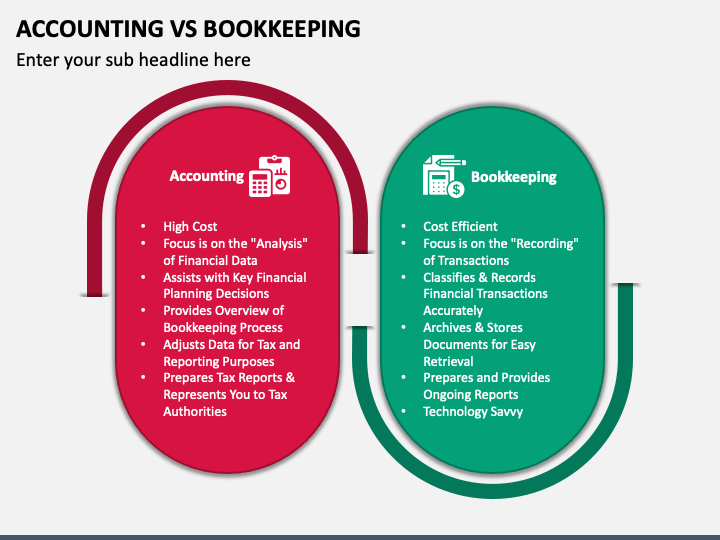
Depict the significant differences between accounting and bookkeeping in a comprehensible manner with our Accounting vs. Bookkeeping template for PowerPoint and Google Slides. Accountants, bookkeepers, and educators can use this 100% customizable deck to explain that bookkeeping is the process of systematically tracking, recording, and organizing financial transactions of a business; in contrast, accounting involves interpreting, summarizing, and communicating economic information of a business through reports, statements, and income information. You can further explain that bookkeeping builds the foundation for accounting.
The stunning design and well-organized layouts will drive meaningful engagement and help you make maximum impact. Just download the set now!
A Picture-Perfect Deck
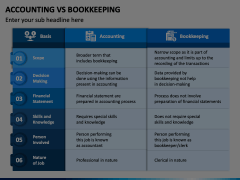
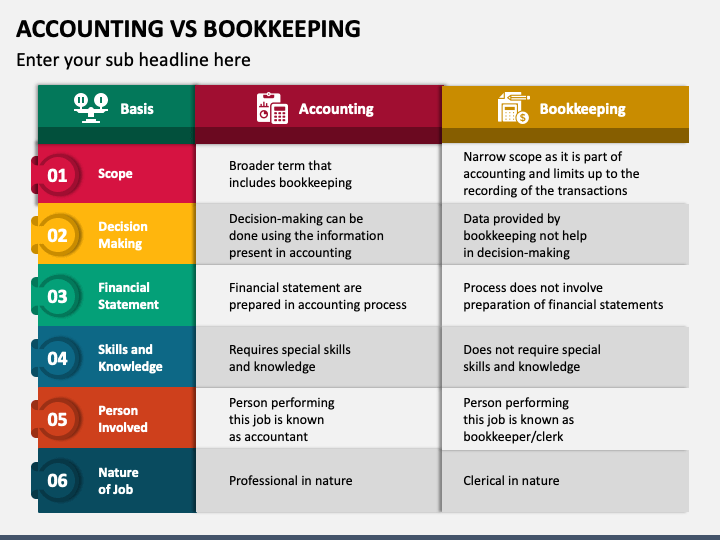
- A comparative overview of accounting and bookkeeping based on several parameters has been provided precisely.
- The major differences between accounting and bookkeeping have been given in an easy-to-understand manner.
Features at a Glance
- You don’t need to seek external assistance to make alterations to the contents of this set.
- You can easily use these designs lifelong without making repeated downloads.
- The PPT is unique and keeps copyright issues at bay.
- Irrespective of the number of changes, your slides will retain intact quality and resolution.
- Our support staff will assist with all your issues throughout the day.
Download the PPT today!