


Free - Chatbots Vs Virtual Assistants PowerPoint and Google Slides Template
Free - Chatbots Vs Virtual Assistants PowerPoint and Google Slides Template
(2 Editable Slides)
Related Presentation Templates
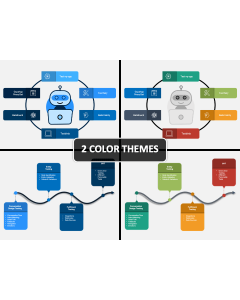
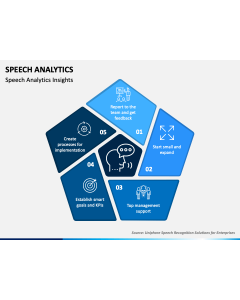
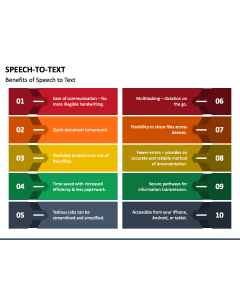
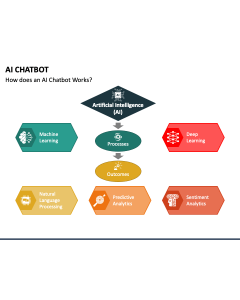
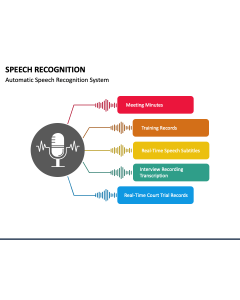
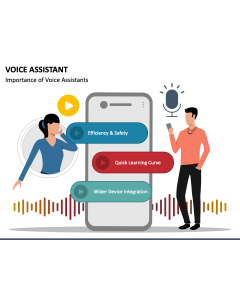
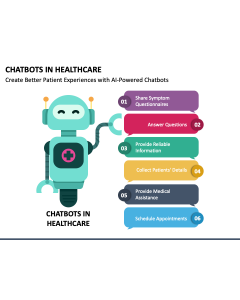
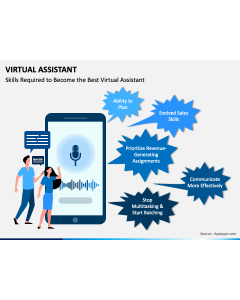
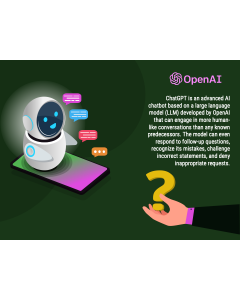
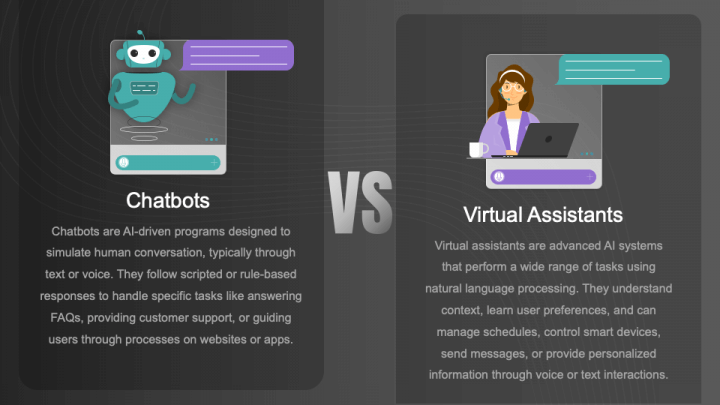
Chatbots and virtual assistants are both conversational technologies that leverage artificial intelligence; however, they differ in capabilities and scope. Lay your hands on our well-researched Chatbots vs. Virtual Assistants template for PowerPoint and Google Slides to showcase the key differences between them in a clear and visually engaging manner. Tech enthusiasts can utilize this deck to demonstrate that chatbots are primarily rule-based programs that follow predefined scripts to handle tasks such as answering FAQs or guiding users through specific processes. Conversely, virtual assistants utilize advanced AI and natural language processing to comprehend context, adapt to user preferences, and execute a wide range of complex tasks. Consultants can also use this set to visualize distinctions based on various parameters, enabling business organizations to select the optimal option for customer service, user engagement, internal operations, or other specific needs.
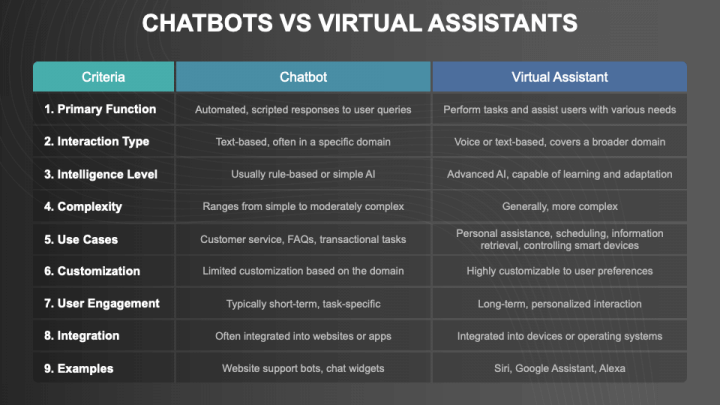
A comparison based on multiple factors, along with an overview of chatbots and virtual assistants, is presented in a tabular diagram and a comparison layout. The white typography against the black backdrop makes the content stand out.
Features
- You can mold the visual objects to align with your presentation’s theme effortlessly.
- All graphics render an uninterrupted quality and clarity across screen dimensions.
- Since the entire set has been crafted with originality in mind, no user will encounter copyright conflicts.
Download this PPT to roll out your presentation in style!