


Class Orientation Presentation - Free Download
Class Orientation Presentation - Free Download
(13 Editable Slides)



Related Presentation Templates


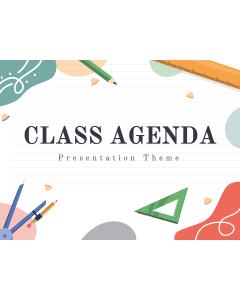
Download our Class Orientation Presentation Theme for PowerPoint and Google Slides to present the intricacies of your new class, course, or program to students and parents. Admin staff can use this template to showcase the greetings from the principal and class teacher, student support services, school-wide policies, extracurricular programs, etc. Teachers can communicate the course objectives, curriculum details, and expectations for behavior and performance to students. You can also highlight the available resources for students’ academic success, including tutoring, mental health and wellness services, etc.
With the slides featuring aesthetic and modern designs, high-quality visuals, elegant typography, and a vivid color scheme, you can guide the audience throughout the presentation and keep them intrigued.
A Quick Look at the Slides’ Design
- Set the stage for your presentation with our striking cover slide.
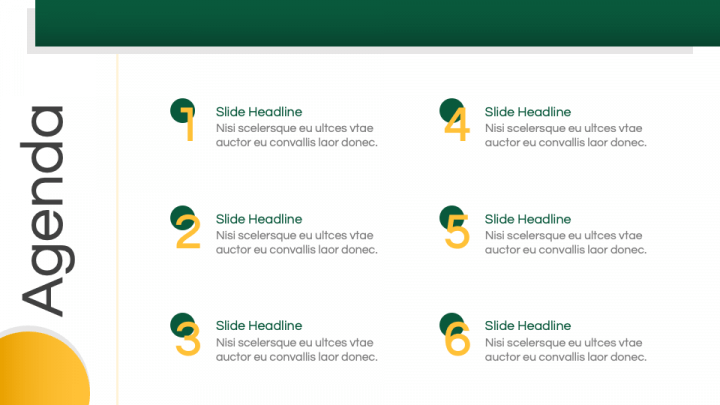
- Showcase to your audience what’s coming next in the presentation with our Table of Contents slide.
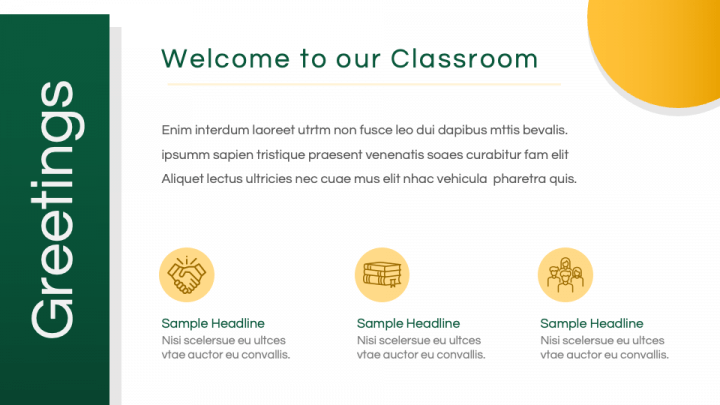
- Portray a brief overview of your classroom through an elegant design.
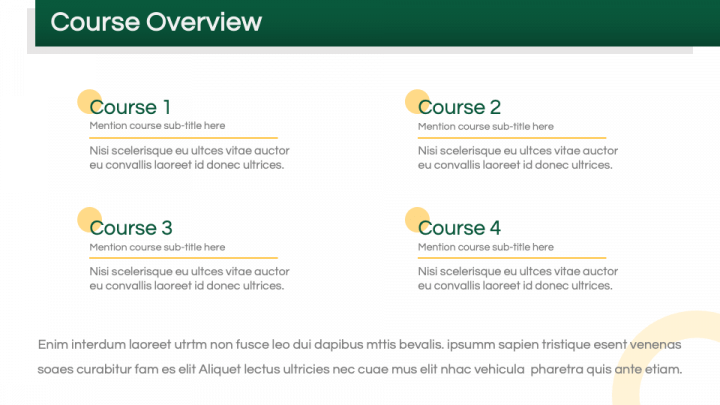
- Present the course’s overview via serial-numbered textual boxes.
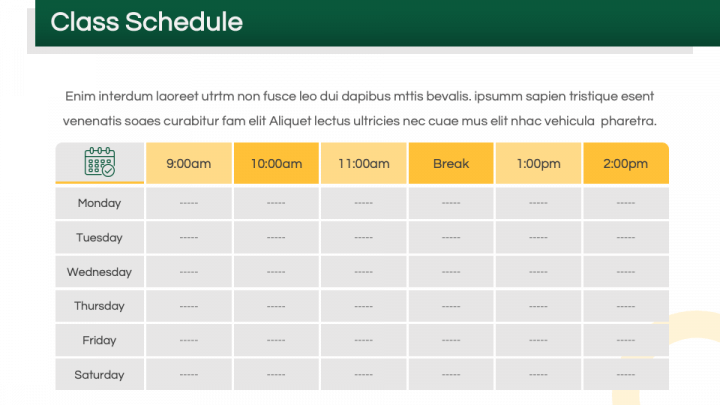
- With the table illustration, showcase the class schedule.
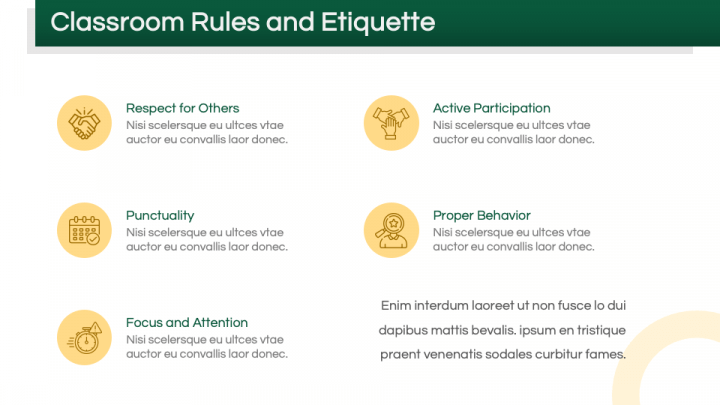
- Classroom rules and etiquette are exhibited clearly and precisely.
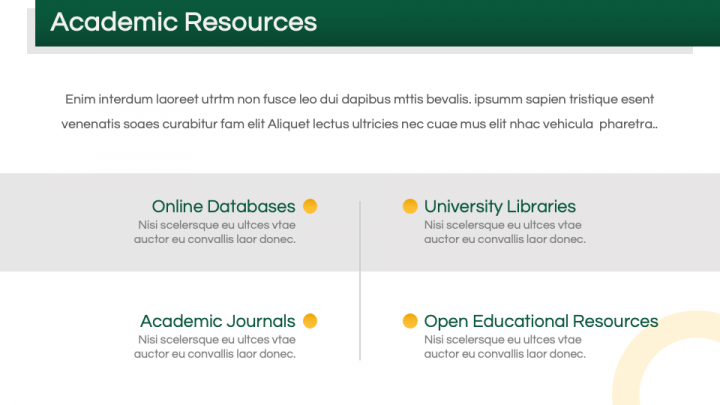
- Academic resources can be presented through an aesthetic design.
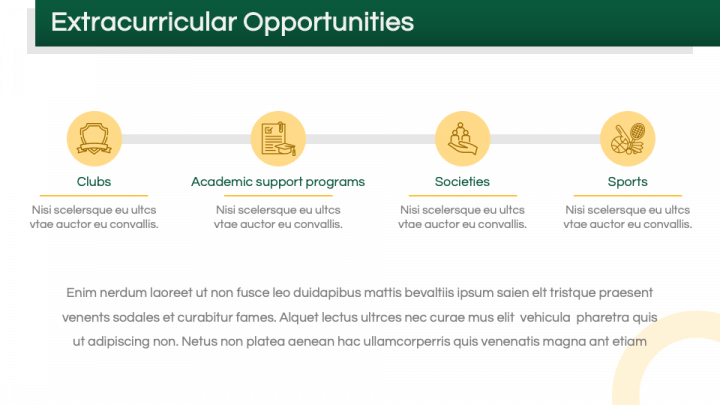
- Extracurricular opportunities can be illustrated comprehensively.
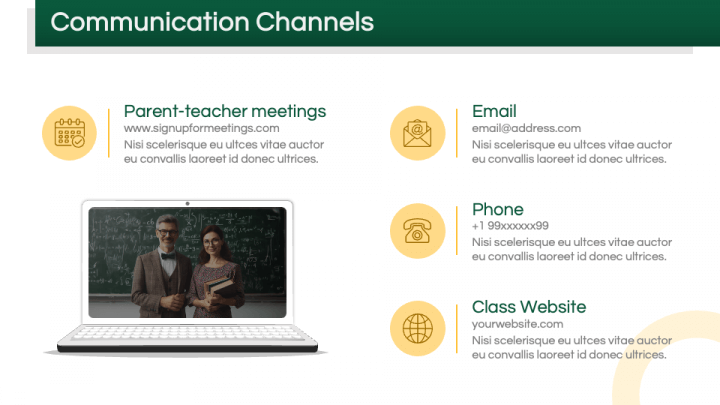
- A laptop illustration exhibits communication channels.
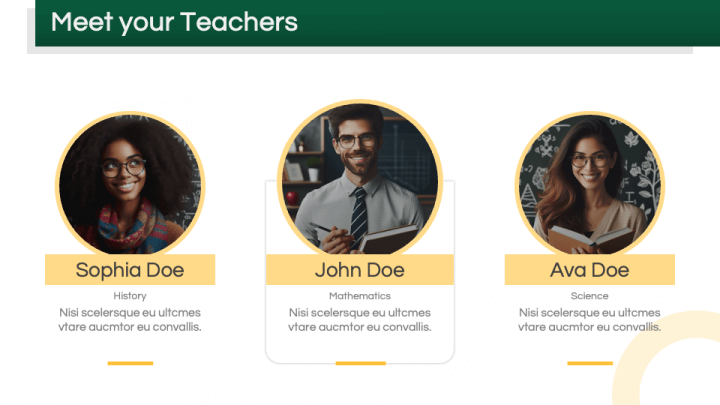
- Use the profile infographic to depict the introduction of teachers.
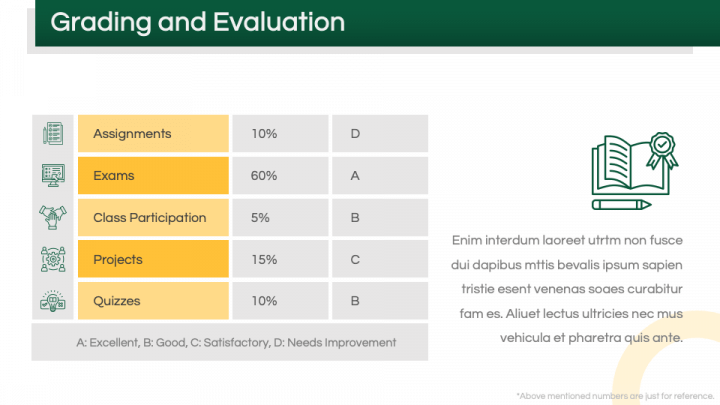
- The grading and evaluation can be exhibited via a table.
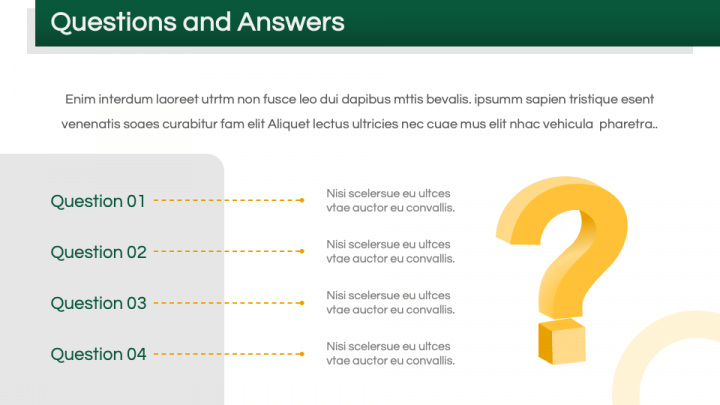
- Display the answers to your audience’s questions using the Q&A slide.
- Thank your audience for being interested and invested throughout the presentation using our ‘Thank You’ slide.
Features
- Customize the deck components to align with your presentation’s aesthetics effortlessly.
- The visual objects guarantee uninterrupted quality and clarity, even when scaled to a bigger display.
- The entire set has been crafted with utmost precision to ensure no user encounters copyright violation issues.
- Reach out to our support staff anytime to get your queries addressed promptly.
Get this PPT without thinking twice!