


Front Office Vs Back Office PowerPoint and Google Slides Template
Front Office Vs Back Office PowerPoint and Google Slides Template
(2 Editable Slides)
Product Details
(2 Editable Slides)
Available For
PowerPoint
Keynote
Google Slides
Canva Slides
Animation:
Yes
Related Presentation Templates
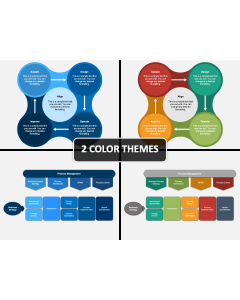
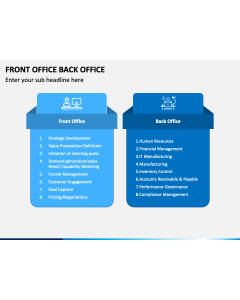
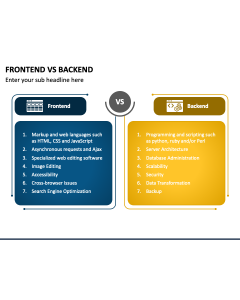
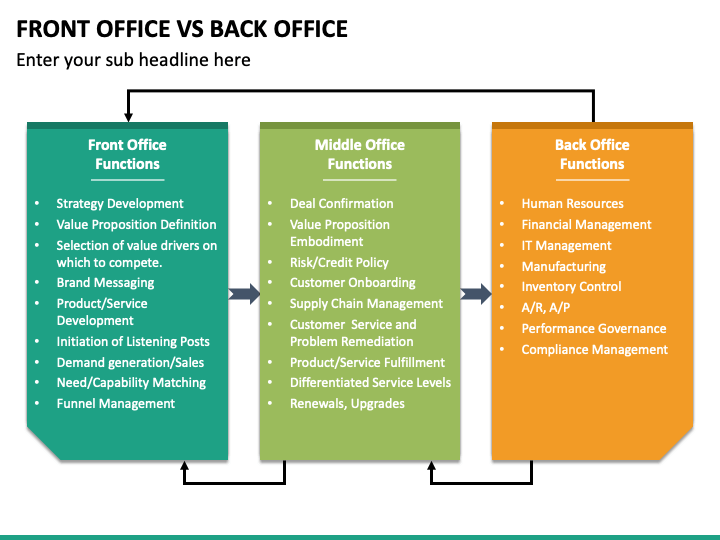
Download the professionally designed Front Office vs Back Office PPT template and use the visuals to explain in detail about front-end and back-end processes and the difference between them. You can prepare an informative presentation, and showcase functions carried out by employees of both offices, their roles & responsibilities, products or services delivered by them, etc. You can also use the deck to shed light on the difference between front, middle, & back offices based on customer involvement, strategic planning, focus area, salary, etc.
Impress Your Audience
Steal the show with the spellbinding visuals embedded in the deck.
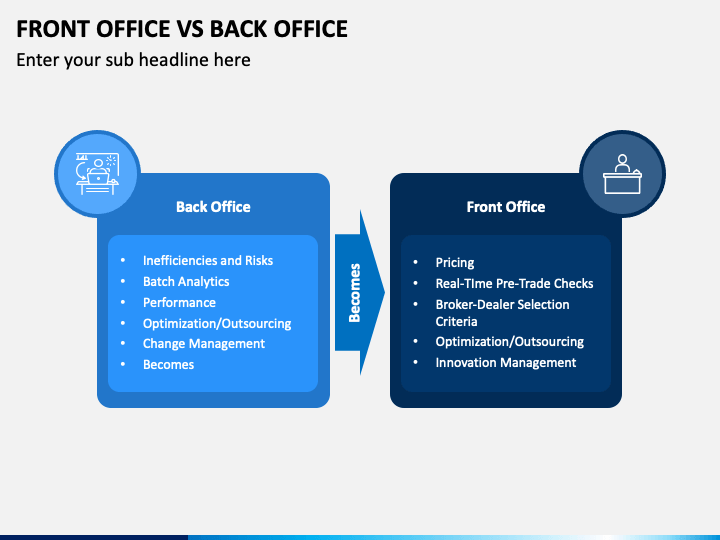
- The basic difference between front office vs back office is depicted through a pair of rectangular boxes.
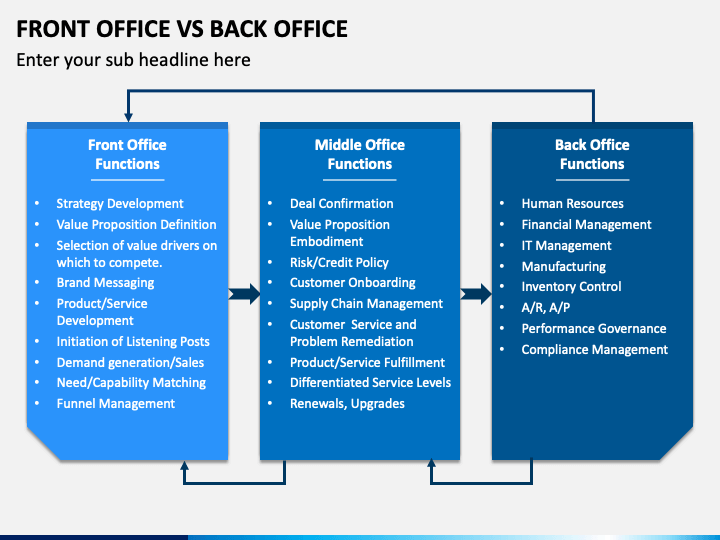
- A list of key functions of the front, middle, and back offices is depicted through a vertical flowchart.
Impeccable Features
- You can take advantage of this exclusive PPT for your lifetime by downloading it once.
- Without prior editing skills or external support, you can alter all the aspects of PowerPoint slides.
- Our designers have used only high-definition graphics to ensure optimum resolution.
- There will be no issues regarding copyright as the visuals are made from scratch.
- Our customer support team can resolve your queries at the earliest.
Download the template to add a unique zing and appeal to your presentation!