


Kindergarten Presentation Theme - Free Download
Kindergarten Presentation Theme - Free Download
(9 Editable Slides)



Related Presentation Templates





With our Kindergarten Presentation Theme for PowerPoint and Google Slides, infuse playfulness in your upcoming presentation and portray the information in a fun and engaging manner. School administrators can use striking designs to provide insights into their new kindergarten program, such as curriculum highlights, staff introductions, interactive activities, and more, to parents and guardians. Teachers can use this deck to showcase the classroom rules, daily schedules, and topics to be covered, such as the alphabet, numbers, etc. Admission managers can use this set to illustrate previous students’ work, progress, and achievements.
The slides featuring a serene background, large fonts, bright colors, and interactive visuals are perfect resources for mesmerizing young minds.
Slides’ Overview
- Kickstart your presentation with our cover slide.
- Showcase the presentation’s agenda using the Table of Contents slide.
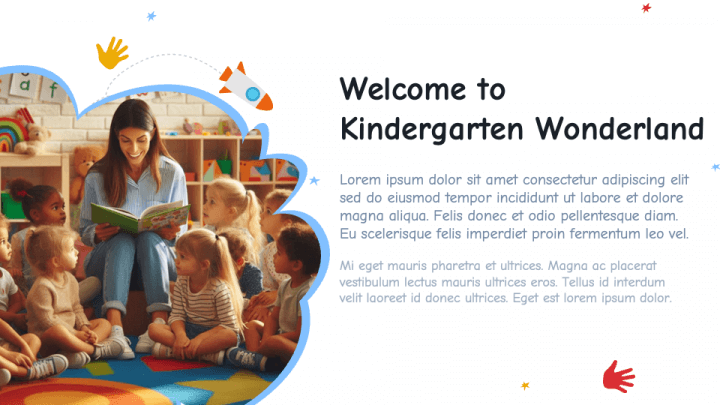
- Portray an overview of your kindergarten wonderland through an eye-catching visual.
- The magic of kindergarten can be presented clearly and precisely.
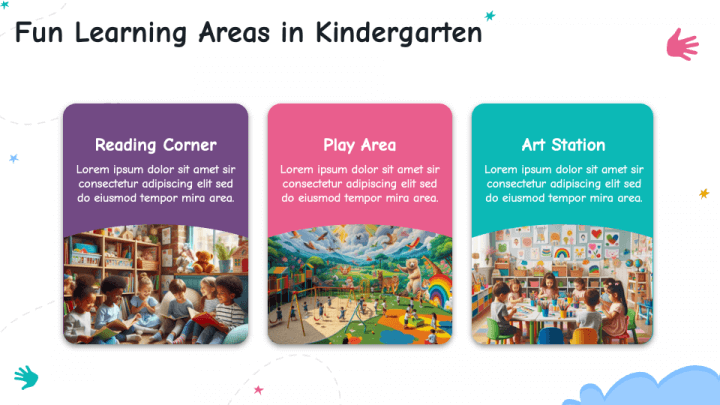
- The fun learning areas in kindergarten can be illustrated through a compelling illustration.
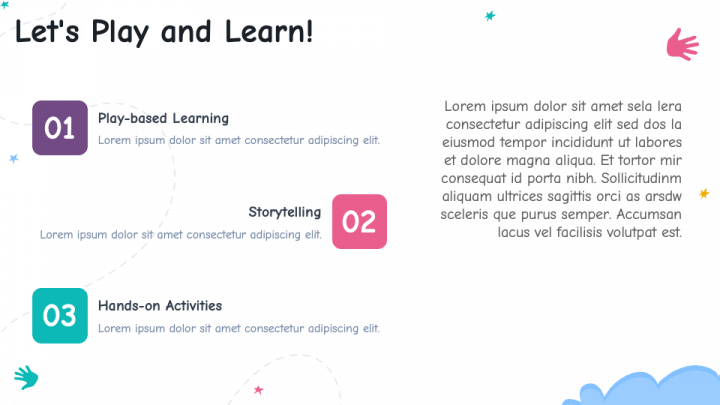
- Serial-numbered textual boxes can be used to portray the activities to make learning enjoyable.
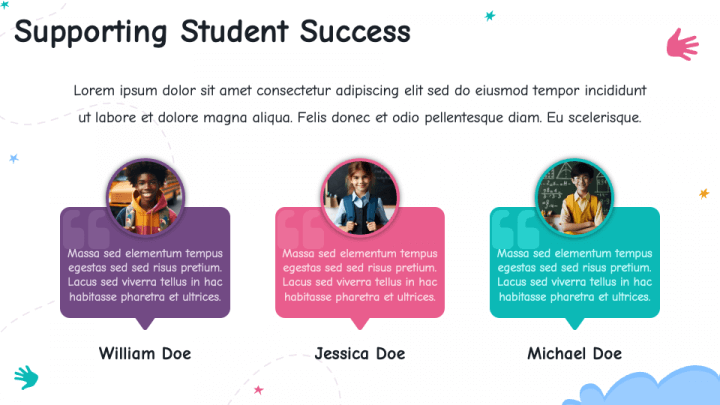
- Call-out boxes can be used to highlight the feedback and testimonials from students and their parents from previous sessions.
- Convey appreciation for the audience’s undivided attention throughout the presentation with the ‘Thank You’ slide.
Features
- Easy customization
- High-resolution graphics
- 24/7 customer support
- Reusable for a lifetime
- Copyright-free