


Opposite Icons for PowerPoint and Google Slides
Opposite Icons for PowerPoint and Google Slides
(1 Editable Slide)
Related Presentation Templates


Icons are not just a convenience but an essential tool in strategic communication. They let presenters present the data/information clearly and concisely and help viewers process it effortlessly. Therefore, we have introduced the Opposite Icons for PowerPoint template and Google Slides theme to help you represent various concepts in an easy-going way.
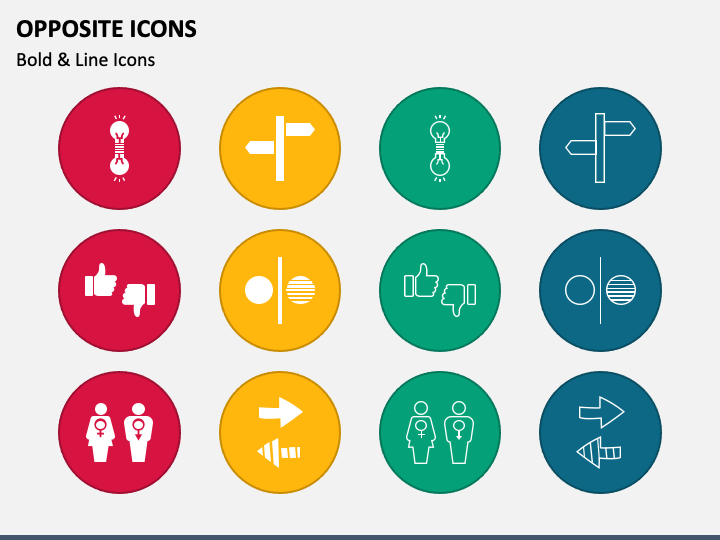
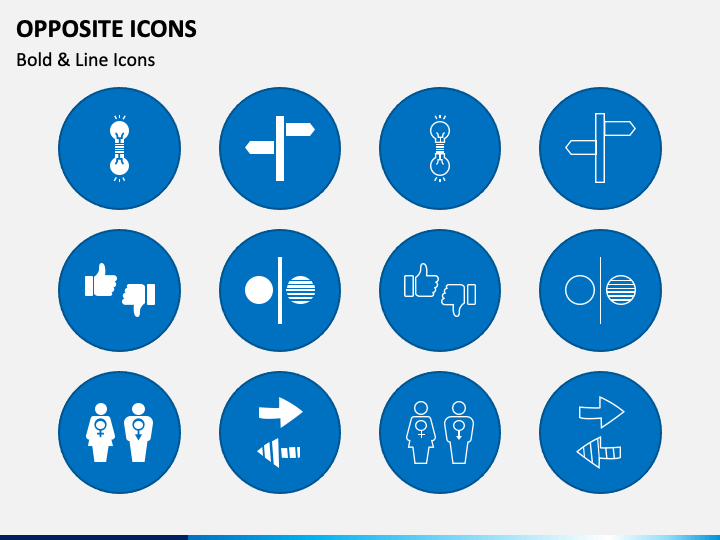
The slide features bold and line icons of arrows facing in opposite directions, thumbs up and down, opposite genders, and more. Using these icons, you can showcase a specific topic’s positive and negative sides and pros and cons. These icons can be used to illustrate tips to provide equal opportunities to opposite genders. You can also depict opposing views and thoughts of people. Multipurpose icons, usable for all professionals!
Excellent Features
- You don’t need prior editing knowledge or external aid to modify the icons to suit your needs.
- Each icon has been thoroughly researched and designed, leaving no room for copyright breach incidents.
- All icons give the best quality, even when projected on a large screen.
Download this feature-rich PPT to nail your presentations!