


Panel Discussion PowerPoint and Google Slides Template
Panel Discussion PowerPoint and Google Slides Template
(4 Editable Slides)


Related Presentation Templates

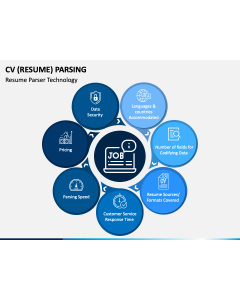

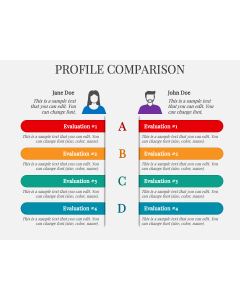
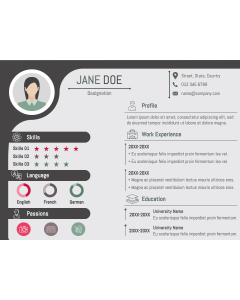
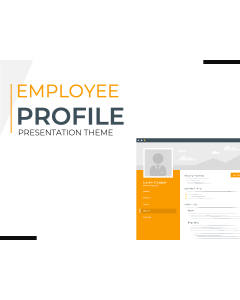

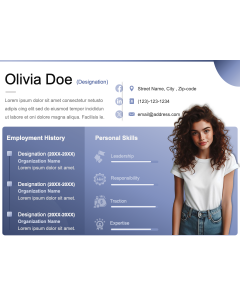
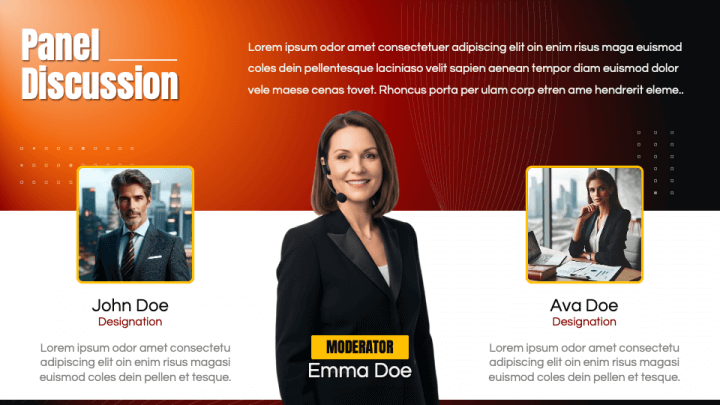
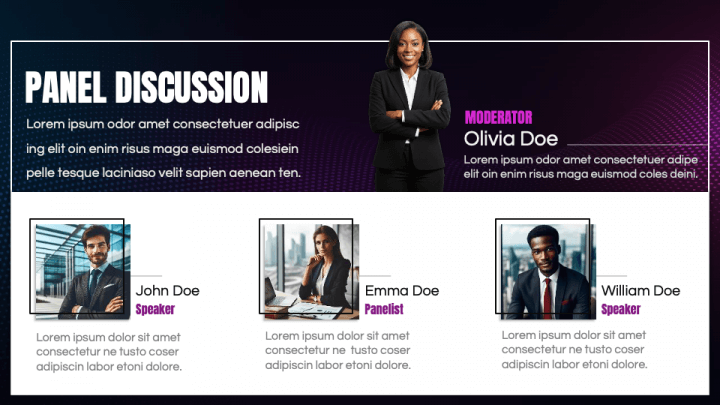
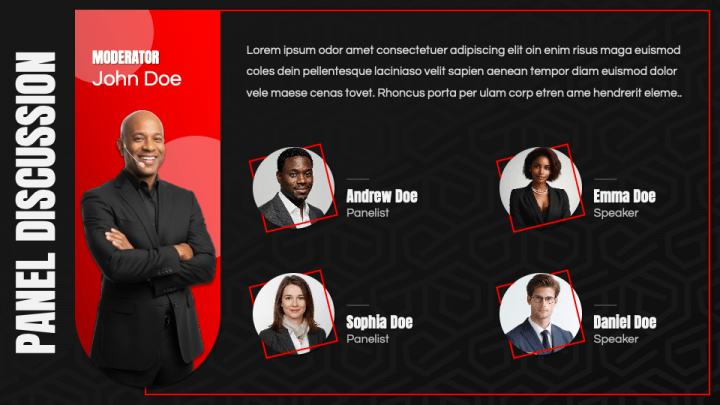
Host impactful conversations and deliver professional presentations with confidence using the Panel Discussion template - a sleek, versatile, and fully editable presentation design for PowerPoint and Google Slides. Perfect for event organizers, moderators, corporate teams, educators, and conference speakers, this template helps you structure and present engaging discussions with clarity, professionalism, and style.
The Panel Discussion template is thoughtfully designed to support the flow of organized dialogue, from introductions and topic overviews to audience Q&A and key takeaways. Its clean and modern layout ensures that your visuals complement the discussion - helping panelists, hosts, and audiences stay aligned throughout the session. Whether you’re moderating a business forum, academic panel, industry conference, or virtual event, this presentation template gives you everything you need to manage a smooth, well-structured discussion.
Built with a refined color palette, modern typography, and minimalistic layouts, this theme communicates confidence and professionalism. It’s designed to keep attention focused on your speakers and ideas while enhancing visual engagement through carefully balanced design elements.
Inside the Panel Discussion template, you’ll find a complete set of customizable slides and visuals designed specifically for event and discussion formats, including
- Speaker introduction slides to highlight panelists’ expertise and credentials.
- Agenda and topic overview slides for setting the stage and guiding the audience.
- Question flow and discussion framework slides to maintain structure during sessions.
- Infographics and data visuals for presenting key insights or supporting statistics.
- Audience Q&A and feedback slides for interactive participation.
- Summary and takeaway layouts for closing discussions effectively.
- Event branding and sponsor slides to promote partners and collaborations.
Every slide is 100% editable, so you can easily adjust colors, fonts, photos, and graphics to align with your event theme or organization’s branding. Whether used for in-person events or online conferences, the template ensures your presentation looks cohesive, polished, and engaging.
With the Panel Discussion template, you’ll be equipped to create a seamless, visually appealing presentation that supports meaningful conversation and professional storytelling. It’s more than a set of slides - it’s your complete toolkit for running a successful, high-impact panel session.
Key Features
- Works perfectly with PowerPoint and Google Slides
- 100% editable colors, layouts, and fonts
- Includes speaker profiles, agenda, and discussion flow slides
- Clean, corporate-ready design suitable for all industries
- Ideal for moderators, event hosts, and conference organizers