


Reserved Icons for PowerPoint and Google Slides
Reserved Icons for PowerPoint and Google Slides
(1 Editable Slide)

Related Presentation Templates
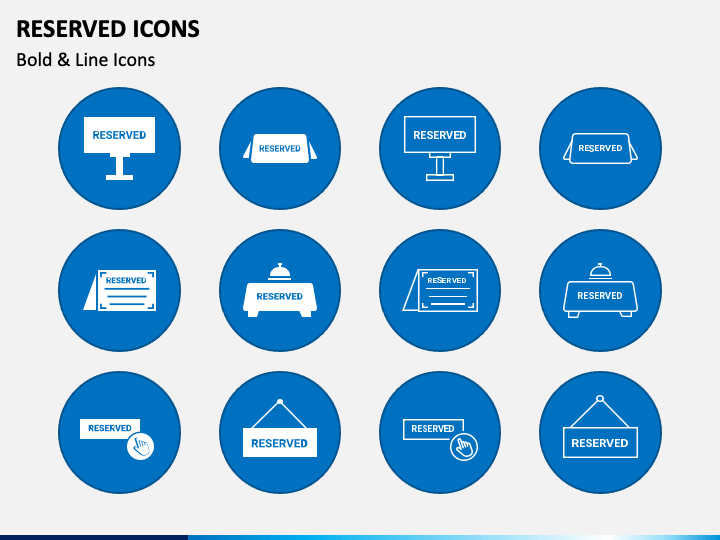
Icons help presenters provide a clear look to their text and the most relevant experience to the audience. With our multipurpose Reserved Icons designed for PowerPoint and Google Slides, you can accentuate the text concerning various concepts. The slide features icons of a standing board, a card, a hanging door plate, and much more with the text 'RESERVED.’
You can leverage these bold and line icons to portray the online and offline procedures to reserve a table at the restaurant. Event organizers can capitalize on these icons to add meaning to the content pertaining to the reserved seats or an area for VIPs at an event. Furthermore, these self-explanatory icons are the best pick to enrich your presentations.
Impressive Features
- The icons can be quickly resized and recolored to align with the presentation’s tone.
- All icons are extensively designed to avoid copyright breach incidents.
- Every icon has been designed in a higher resolution to ensure they look the same on all dimensions.
Download this power-packed PPT to deliver compelling slideshows!