


Round Puzzle Infographic for PowerPoint and Google Slides
Round Puzzle Infographic for PowerPoint and Google Slides
(6 Editable Slides)

Related Presentation Templates
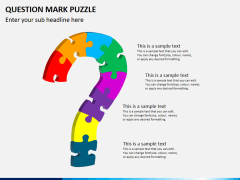
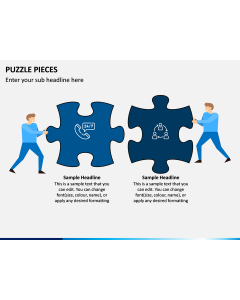
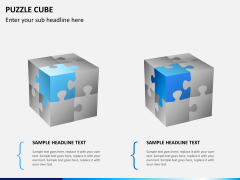
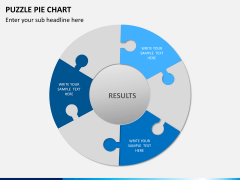
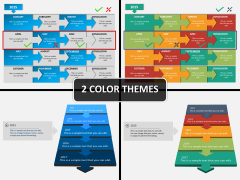
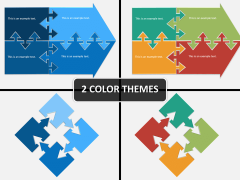
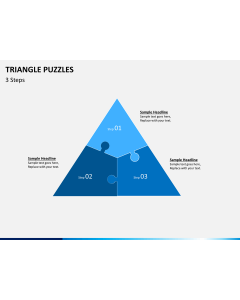
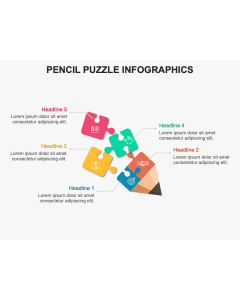

Some concepts resist straight lines. When your content is about interconnected parts, cyclical processes, or systems where everything feeds into everything else, a standard slide layout quietly works against you.
The Round Puzzle Infographic PowerPoint and Google Slides template gives presenters a visually engaging way to communicate layered, circular, or segment-based ideas without losing clarity. It's a flexible visual tool built for professionals who want their slides to do more than display text — they want them to actually explain something.
Who Is This Template For?
This template works across industries wherever complex relationships or multi-part frameworks need to be visualized clearly.
- Strategy consultants presenting interconnected business frameworks to clients
- Marketing professionals communicating brand ecosystems or campaign structures
- Educators illustrating cyclical models or systems thinking in lectures
- Project managers mapping interdependent workstreams or process stages
- Presentation designers looking for a polished, adaptable infographic base
What's Inside the Template
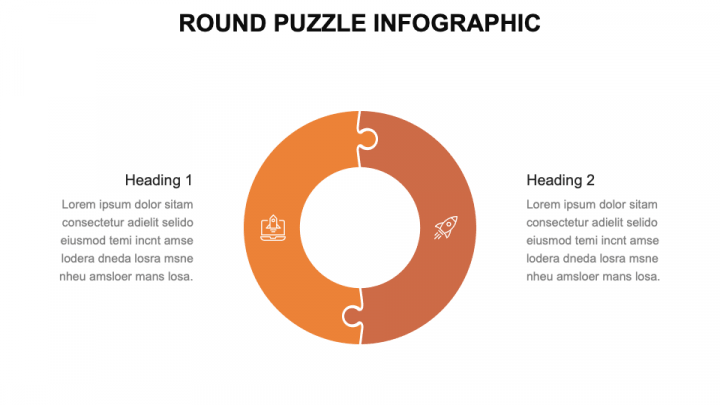
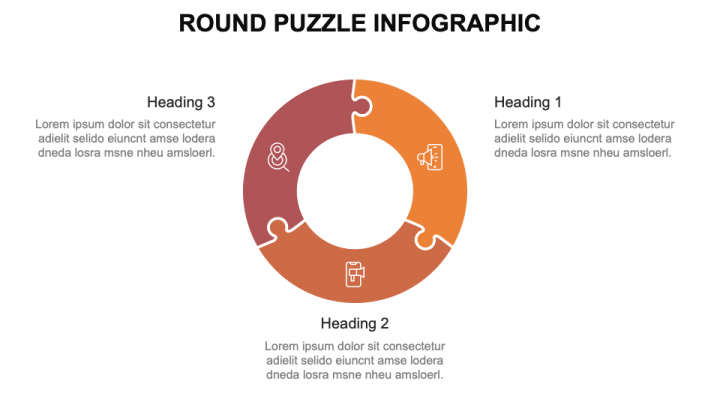
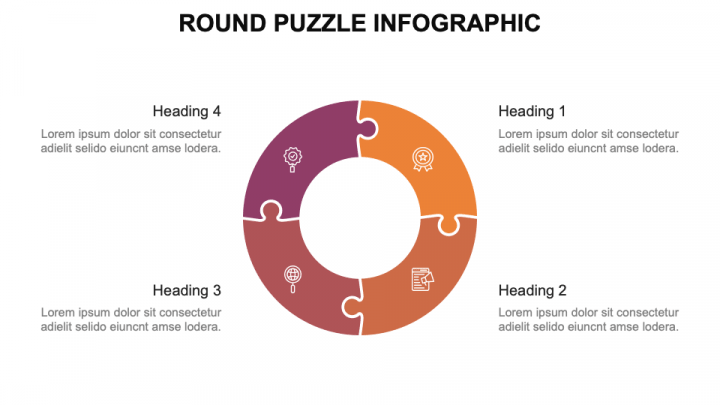
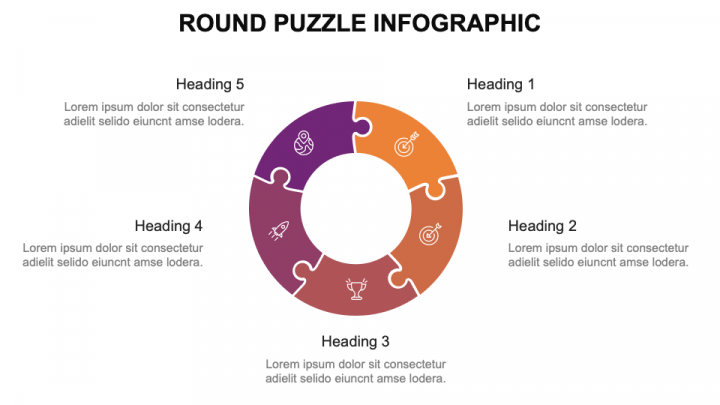
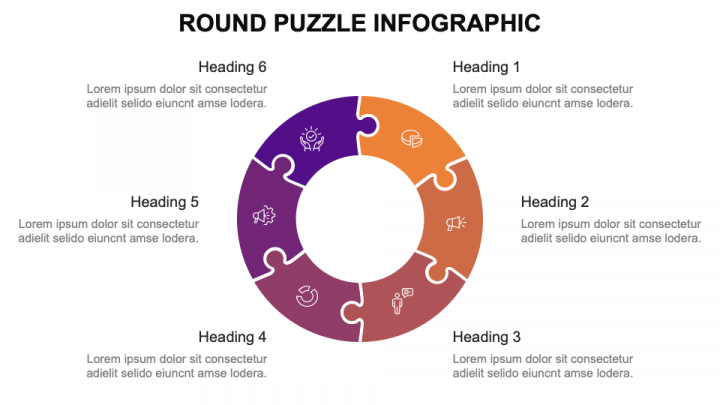
The Round Puzzle Infographic PPT includes multiple circular layout variations — segmented puzzle rings, layered concentric designs, and radial diagram formats — so you can choose the structure that best fits your content. Each layout is built with clean geometry, balanced proportions, and a color system that makes segment differentiation intuitive rather than jarring. The visual logic is clear enough that your audience understands the structure before you explain it.
Every element is fully editable. Resize segments, update colors, swap icons, and drop in your own labels without touching anything you don't need to. The slides are vector-based, so they scale cleanly whether you're presenting on a laptop screen or a large conference display.
The template runs on both Microsoft PowerPoint and Google Slides with no formatting degradation between platforms. If you're sharing the deck with colleagues who work in different tools, the layouts stay intact across both environments.
Circular thinking deserves circular design. Download this template and give your next framework, model, or process the visual treatment that makes it genuinely easy to understand.