


Target Dart Presentation Theme - Free Download
Target Dart Presentation Theme - Free Download
(12 Editable Slides)




Related Presentation Templates

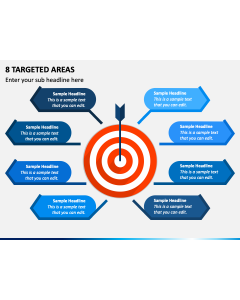
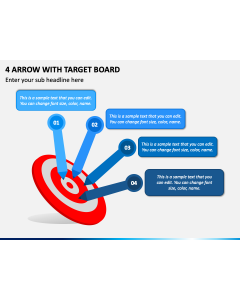
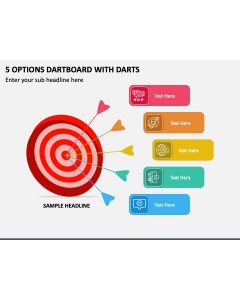
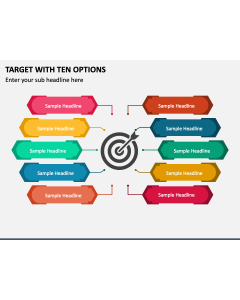
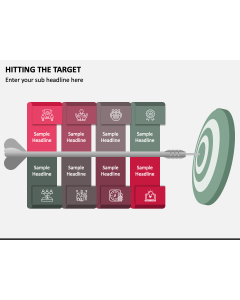
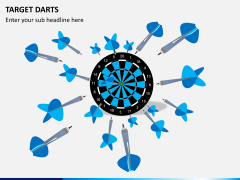
Download our Target Dart Presentation Theme for PowerPoint and Google Slides to showcase concepts related to goals, progress toward the preset objectives, strategies to accomplish the desired goals, etc. Senior executives can use this deck to present the company’s performance in the past year and the targets for the upcoming quarter to internal and external stakeholders. Sales managers can display the sales targets to executives. Managers and team leaders can communicate the to-do list and project deliverables to team members. Team members can show lessons they learned while achieving the target. Personal development experts can portray stepwise guides for individual goal setting.
The slides feature clean and aesthetic designs, compelling icons, elegant typography, and more. Leverage these interactive design elements to enrich your textual information.
Slides’ Overview
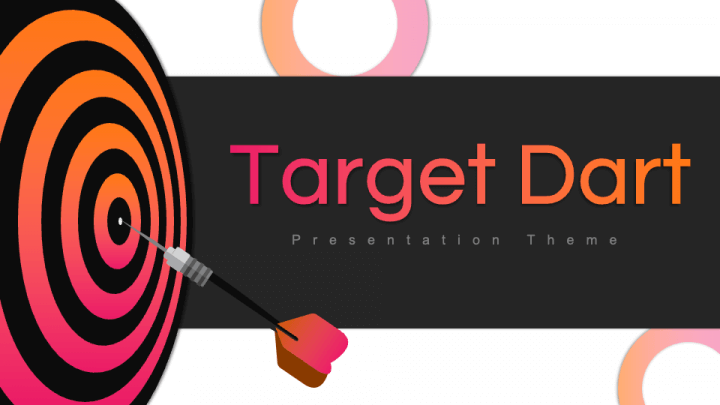
- Give a great start to your presentation with our stunning cover slide.
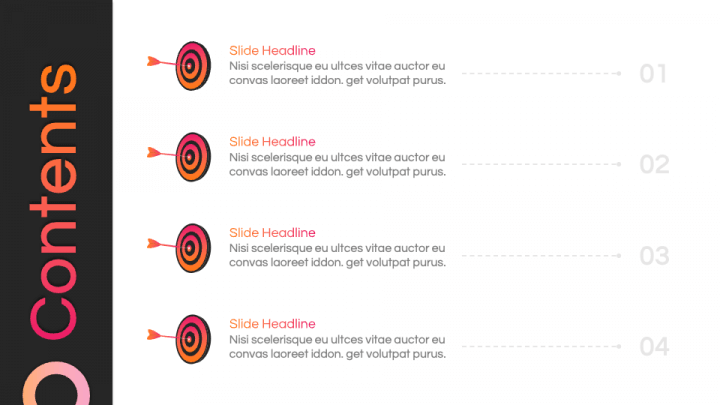
- Portray the presentation’s agenda using the Table of Contents slide.
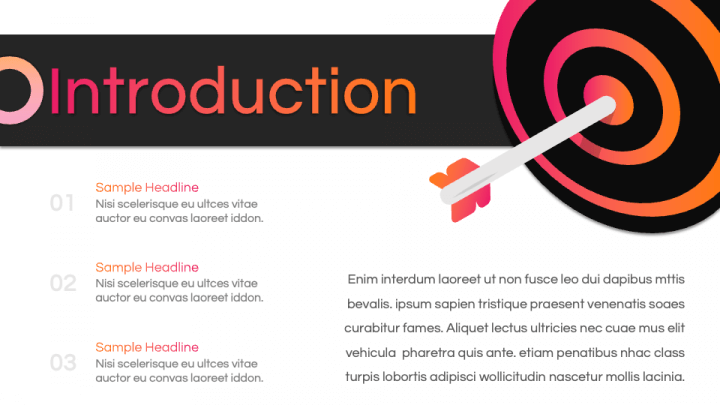
- An illustration of a dartboard with an arrow can be used to illustrate the overview of your topic.
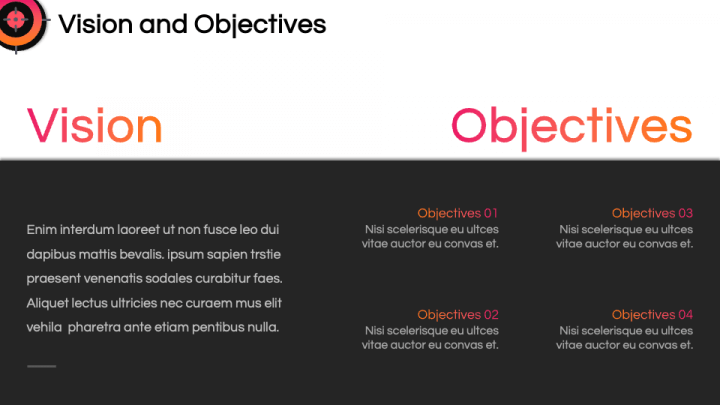
- Showcase your company’s vision and objectives clearly and precisely.
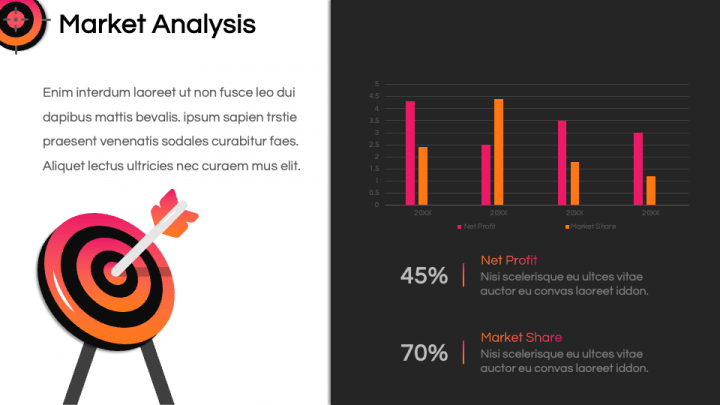
- Use bar graphs to depict market analysis.
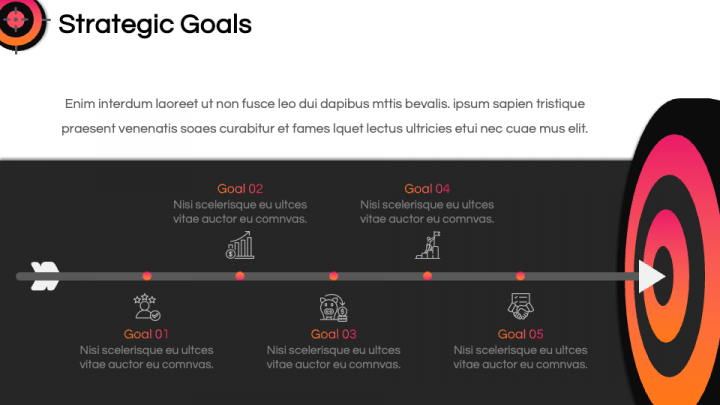
- With the timeline graphic, present the goals accomplished over the years.
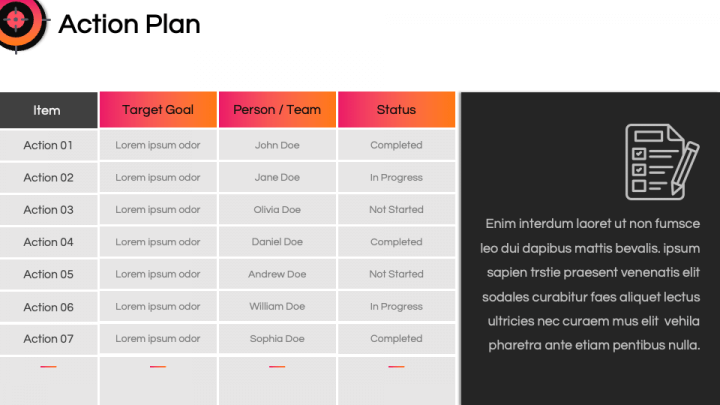
- Using the table, present the action plan to achieve the preset targets.
- The progress toward the goals can be shown comprehensively.
- Lessons learned from the journey toward achieving the goals can be clearly illustrated.
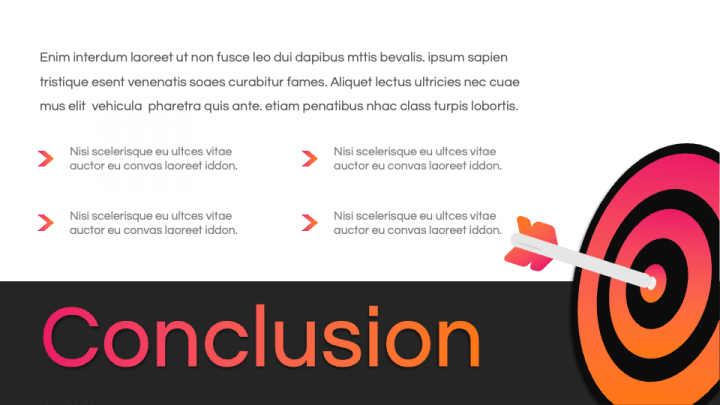
- Display the presentation’s summary with the ‘conclusion’ slide.
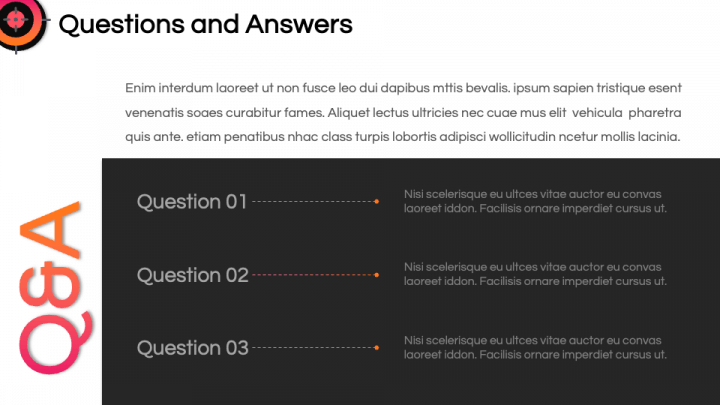
- Exhibit the answers to the audience’s questions using the Q&A slide.
- Thank your audience for being interested and invested throughout the presentation with the ‘Thank You’ slide.
Features
- Customize the design components to suit your preferences without a fuss.
- The visual objects guarantee the same resolution, regardless of screen dimension.
- The design process involves thorough research to avoid copyright issues.
- Contact our support team anytime for a quick resolution to your queries.
Get this PPT right away!