


Highlights with Summary PowerPoint and Google Slides Template
Highlights with Summary PowerPoint and Google Slides Template
(5 Editable Slides)
Related Presentation Templates
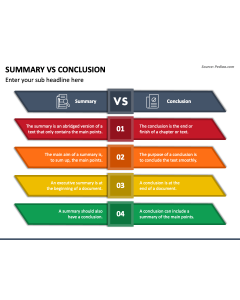
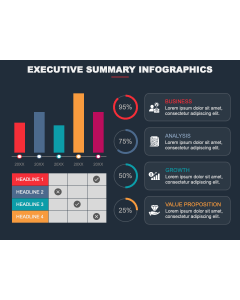
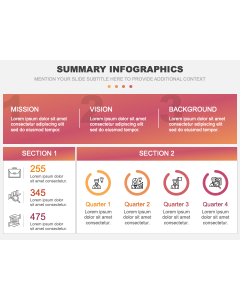
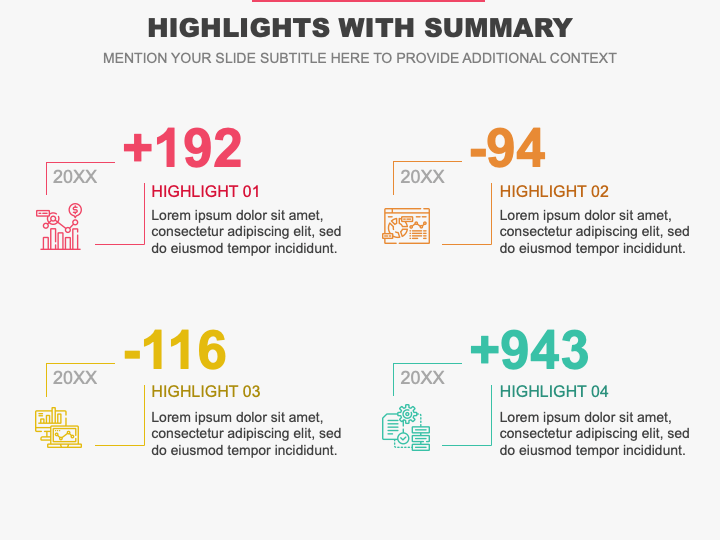
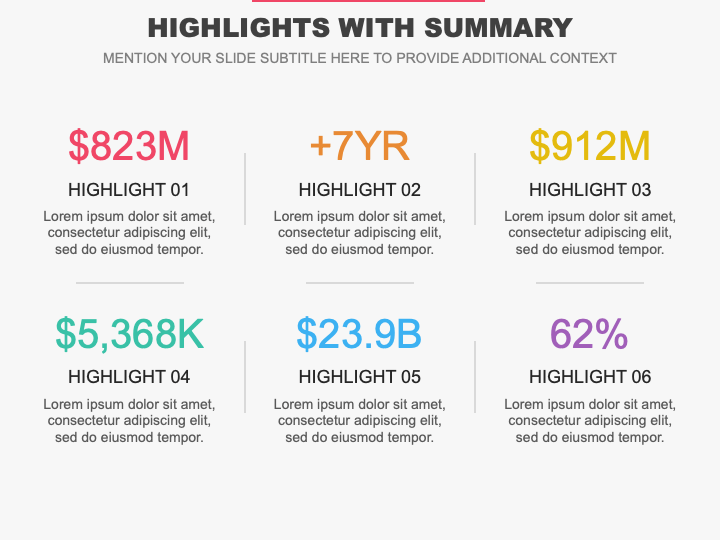
Leverage our Highlights with Summary Infographics for PowerPoint and Google Slides to visualize complex textual information in easily digestible chunks, ensuring the audience quickly grasps the essential points. Senior executives can use these visuals to provide an overview of the company’s performance, including year-on-year revenue growth, changes in profit margins, market share percentage, customer acquisition rates, etc. Sales managers can provide insights into sales targets, reduced churn rates, improved customer satisfaction, etc. HR professionals can use these illustrations to showcase the summary of their efforts and their outcomes, such as an increase in the employee satisfaction score, a decline in the turnover rate, etc.
CSR managers can utilize this template to showcase the organization’s long-term sustainable development goals and emphasize the progress toward achieving them. Operations managers can present the summary of their efforts and outcomes, including reduced cost by a certain percentage, improved supply chain, increased production uptime, and more. Educational institutes can display their institute’s goals summary and the highlights of the previous academic year, including grades, attendance, participation, and progress. Event managers can present an overview of the event, including its objectives, purpose, and outcomes, along with key highlights like the number of attendees, satisfaction ratings, etc.
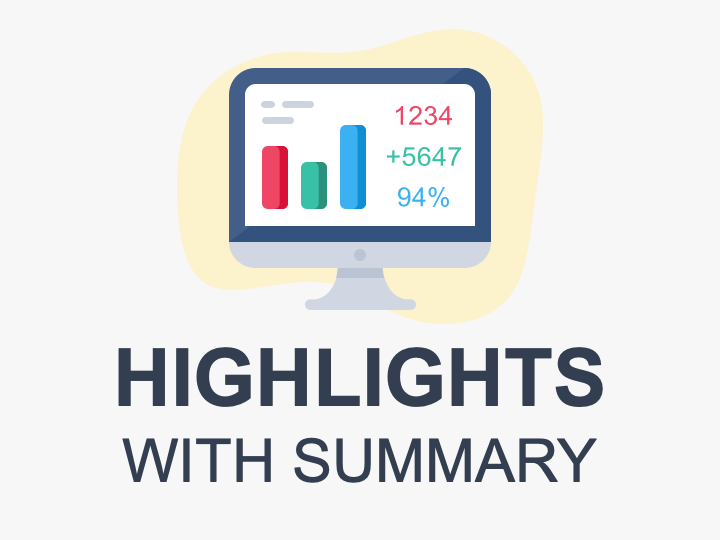
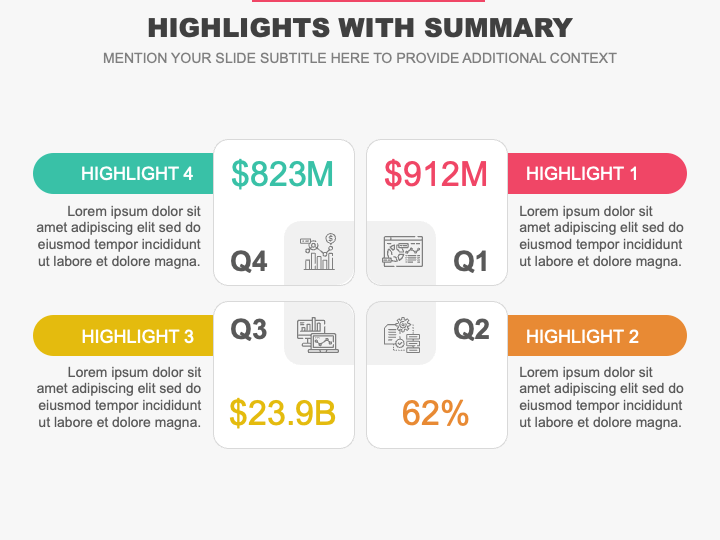
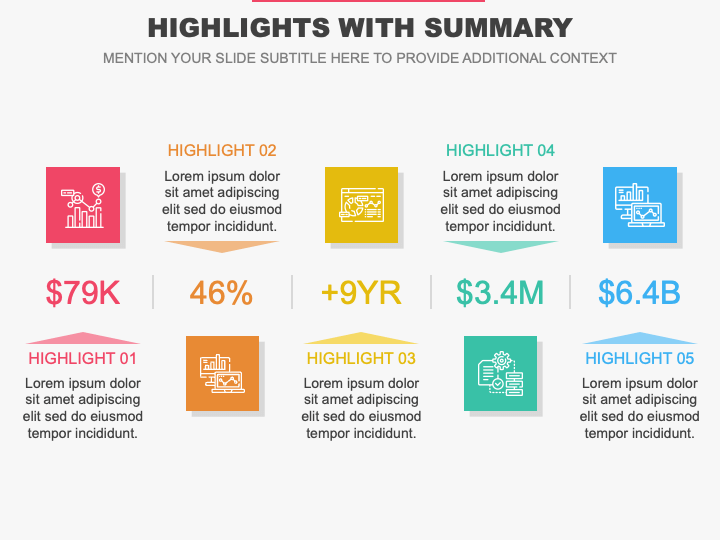
The slides boast high-quality graphics of a computer monitor with bar graphs and customizable layouts adorned with appealing icons and subtle color contrasts. Incorporate these design elements into your presentations to increase their visual impact and drive maximum audience engagement.
Features
- Assured fuss-free editing
- High-quality graphics
- 24/7 customer support
- Lifetime usability
- Copyright-free
Grab this PPT without thinking twice!