


Stakeholder Centricity PowerPoint and Google Slides Template
Stakeholder Centricity PowerPoint and Google Slides Template
(9 Editable Slides)

Related Presentation Templates

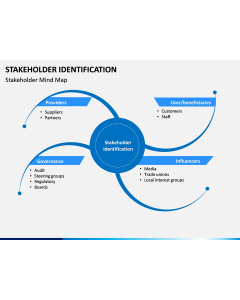
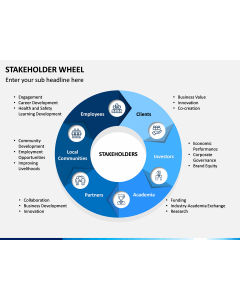
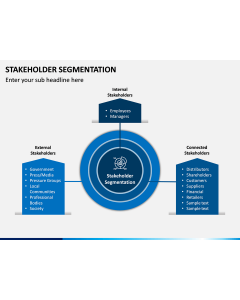
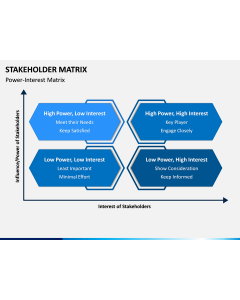
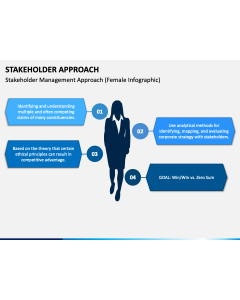
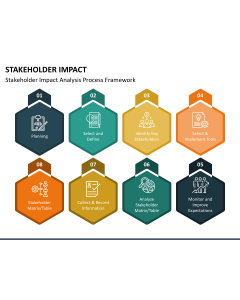
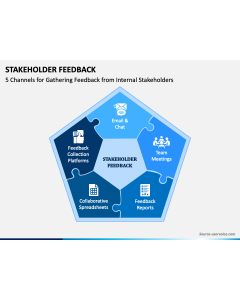
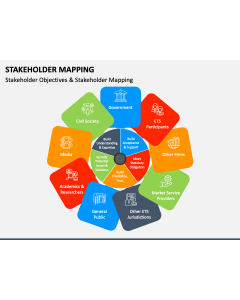
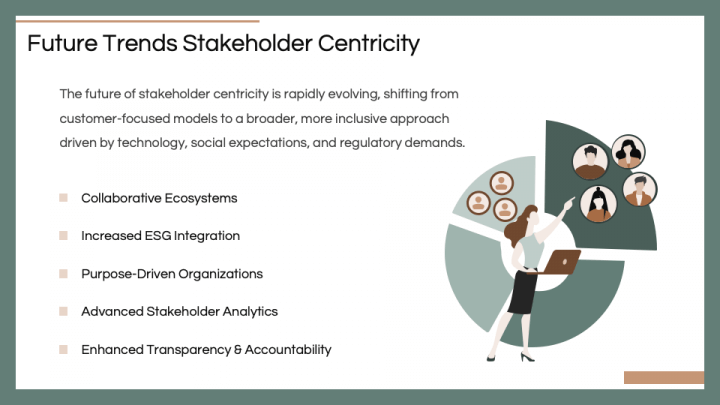
Download our Stakeholder Centricity template for PowerPoint and Google Slides to portray a strategic approach that prioritizes all relevant stakeholders’ needs and interests during all organizational decision-making processes. Business experts can use this deck to describe how this approach helps build trust, alignment, and shared success across all stakeholder groups, eventually driving long-term sustainable growth. Consultants can advocate for implementing stakeholder-centric practices into daily business operations to gain a competitive edge over competitors and enhance brand reputation. You can also use this set to depict the factors making this approach essential in today’s rapidly evolving marketplace.
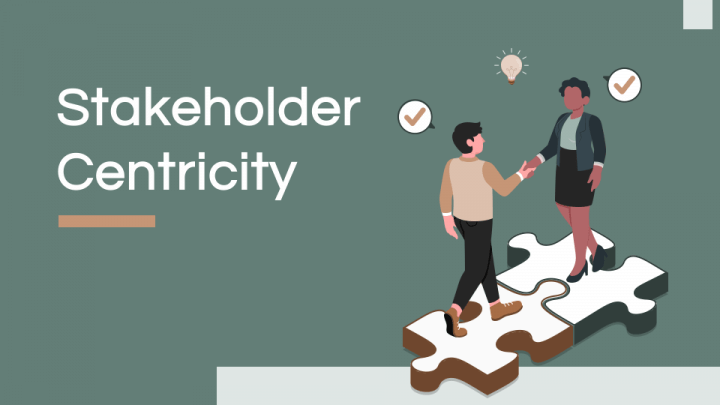
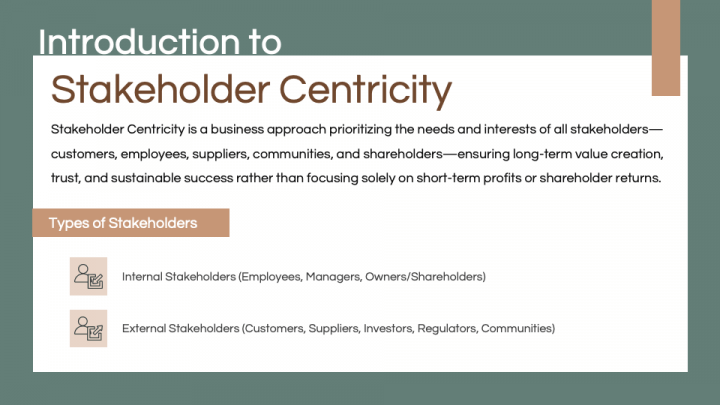
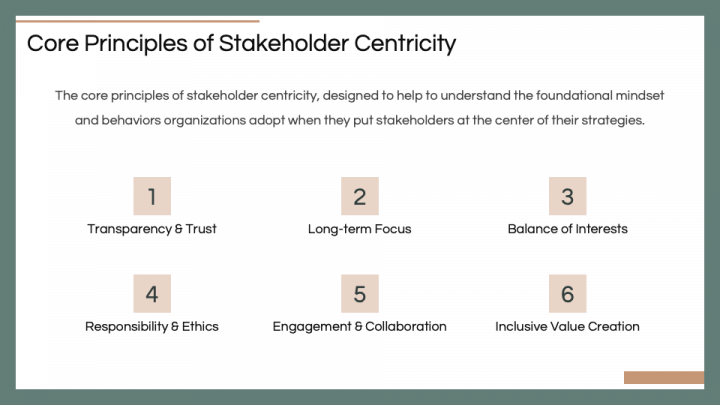
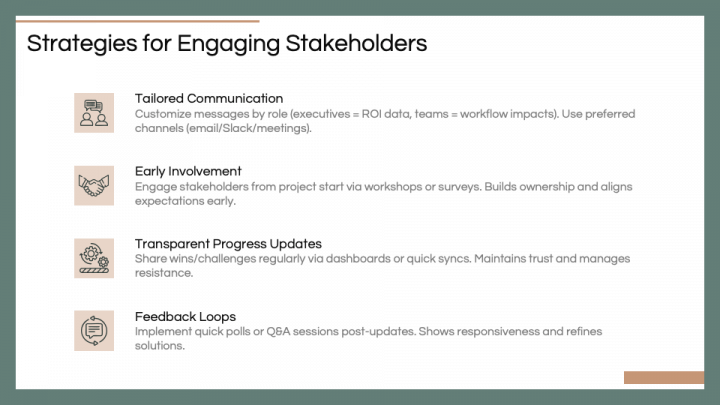
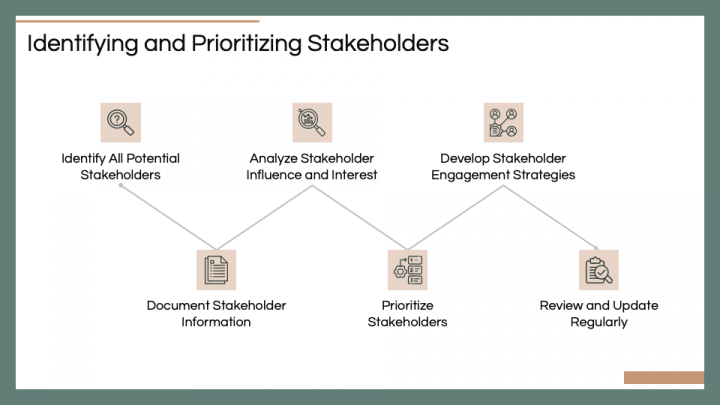
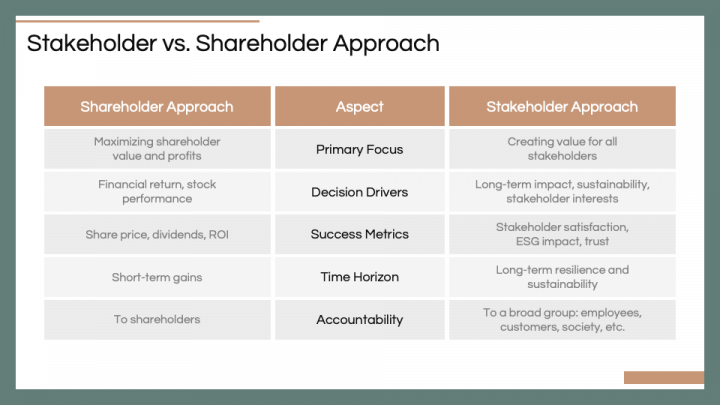
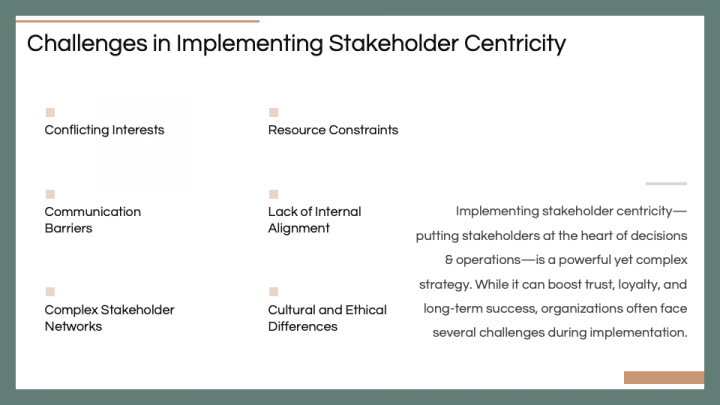
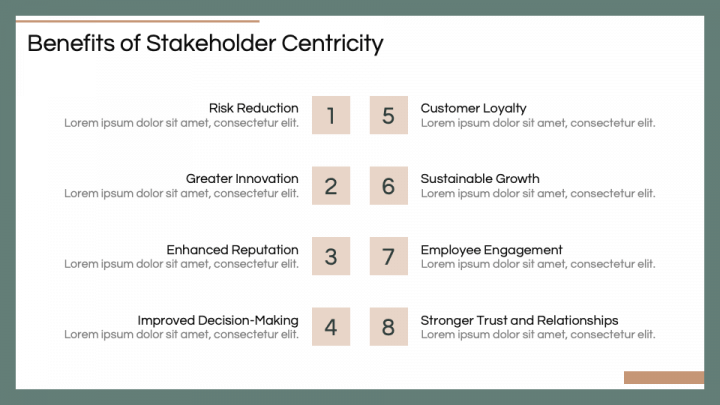
Leverage the title slide, featuring a visual of two professionals shaking hands while standing on puzzle pieces, to make the start of your presentation engaging and remarkable. Subsequent slides cover multiple aspects of stakeholder centricity, including the introduction, core principles, strategies for engaging stakeholders, best practices for identifying and prioritizing stakeholders, a comparative overview of stakeholders and shareholder approach, implementation challenges, benefits, and future trends.
Minimalistic designs, compelling visuals, self-explanatory icons, and pastel colors give your presentation a polished look and ensure the viewers grasp key points without distractions.
Features
- Perform the desired changes to the deck without a fuss.
- Each visual guarantees no resolution loss, irrespective of screen dimensions.
- You can reuse the versatile designs provided in the PPT after downloading it only once.