


Service Virtualization PowerPoint and Google Slides Template
Service Virtualization PowerPoint and Google Slides Template
(9 Editable Slides)

Related Presentation Templates

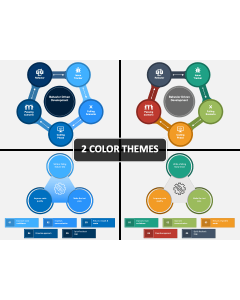
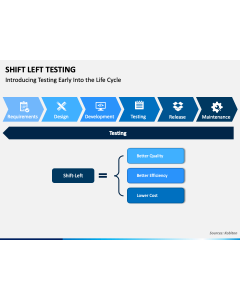
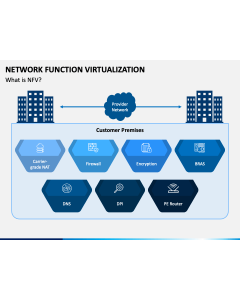



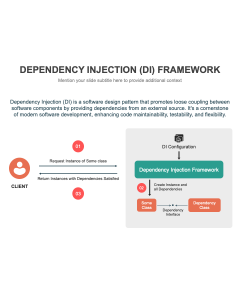

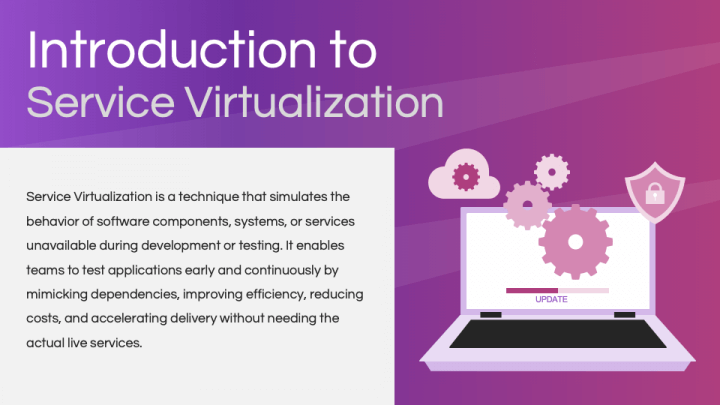
Download our Service Virtualization template for PowerPoint and Google Slides to explain a technique that creates simulations of unavailable, costly, or difficult-to-access components for software application development and testing. The deck is ideal for presenting how these virtual services streamline the testing process, reduce costs, and improve the delivery of higher-quality software to market. Quality assurance engineers can showcase scenarios where service virtualization can benefit. Consultants can use this set to illustrate common prerequisites for making the service virtualization journey smoother. Furthermore, you can highlight the popular service virtualization tools and factors to consider when selecting one.
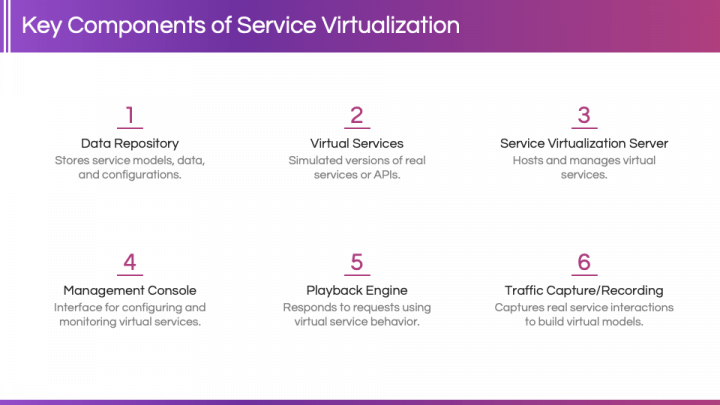
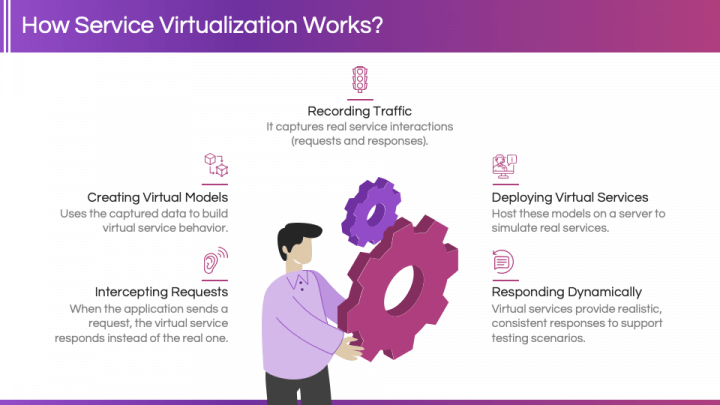
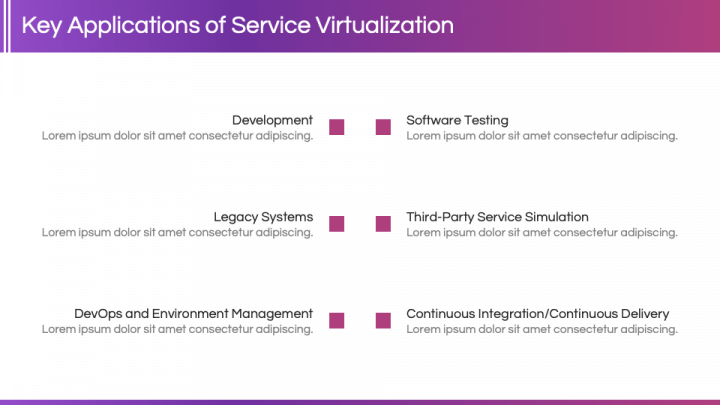
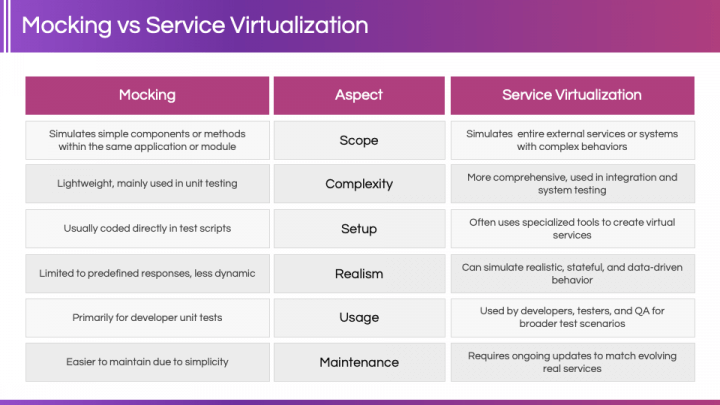
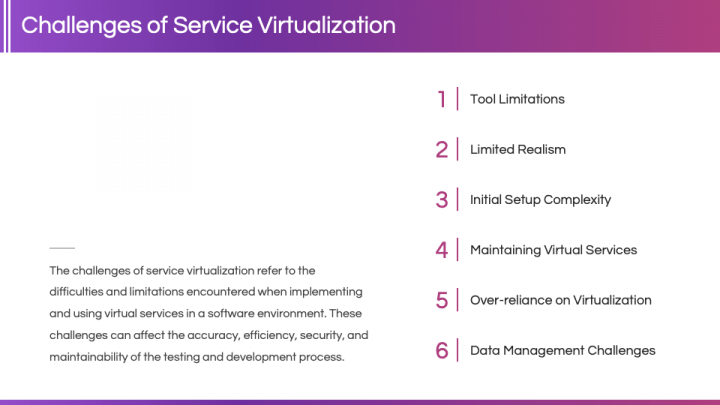
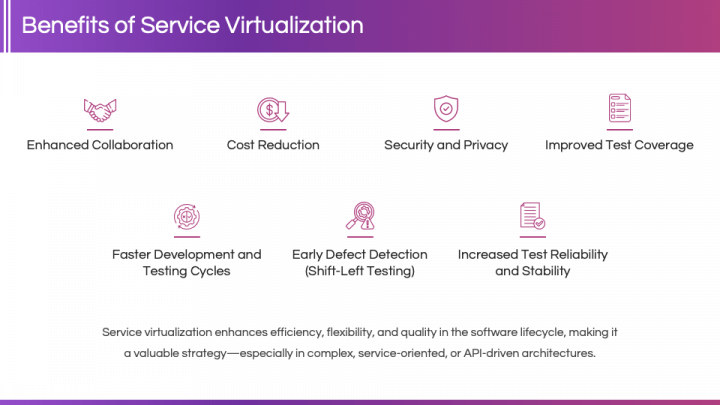
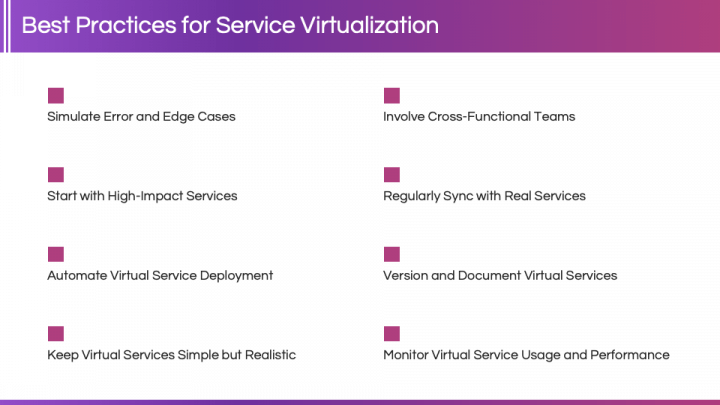
The title slide, featuring a fascinating backdrop and visual elements such as a laptop, gears, a spanner, and image icons, sets the tone for your presentation. The following slides cover various aspects of service virtualization, including the introduction, key components, how it works, key applications, a comparative overview of mocking and service virtualization, challenges, benefits, and best practices.
Our visually stunning slides, beautified with elegant designs, eye-catching visuals, compelling icons, and a gradient color scheme, take your presentation to the next level. Thoughtfully created white spaces prevent the text from getting lost.
Features
- Easily tailor the design elements to suit your preferences.
- Scale visuals to any extent without hampering the optical resolution, regardless of screen dimensions.
- The entire set has been designed with utmost precision to prevent copyright issues.
- Get in touch with our support team for a prompt response to your queries.
Grab this PPT without thinking twice!