


Free - User Interface vs User Experience PowerPoint and Google Slides Template
Free - User Interface vs User Experience PowerPoint and Google Slides Template
(2 Editable Slides)
Related Presentation Templates


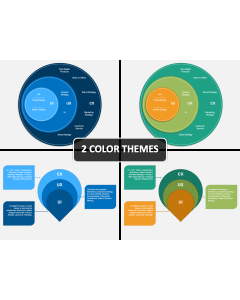

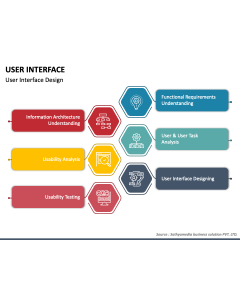
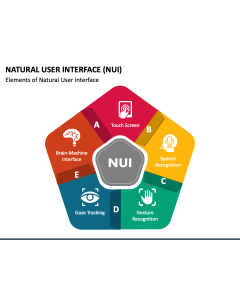
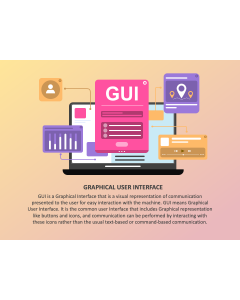

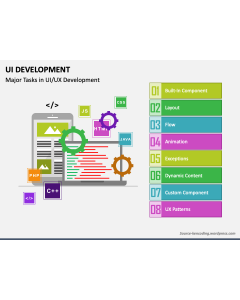


User interface and user experience are key in digital design and the development of an app and website. Though they sound similar and directly impact user engagement and conversion, each covers different aspects of the development process. With this all-new PowerPoint and Google Slides template, you can showcase the User Interface vs. User Experience in a visually stunning and structured manner.
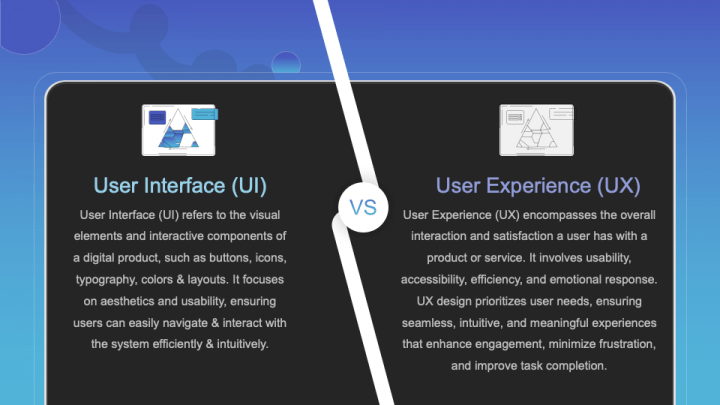
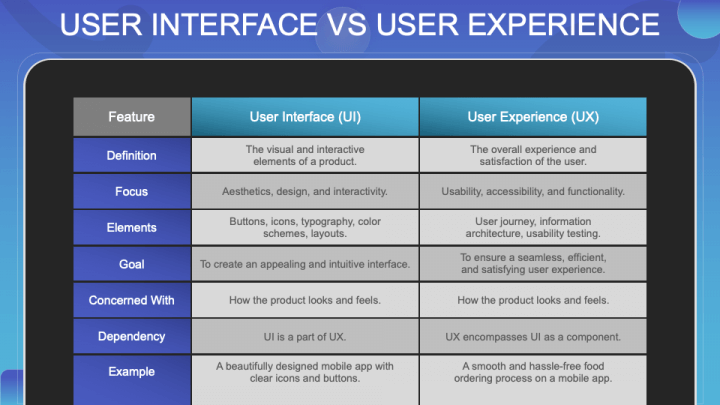
Designers can use this deck to describe that user interface (UI) focuses on a product's visual layout and interactive elements. On the other hand, user experience (UX) considers the overall user journey, including how easy and enjoyable the product is to use. Further, you can illustrate the differences based on various factors, such as goal, dependency, focus, etc.
The slides feature -
- a comparison diagram showcasing the overview of the user interface and user experience.
- a tabular infographic depicting the comparative overview of UI and UX based on multiple parameters.
Features
- Easy customization enables all users to quickly mold the design components according to their requirements.
- High-quality visuals can be projected onto any screen without pixelation.
- The entire set has been thoughtfully designed to eradicate the room for copyright conflicts.
- Reach out to our support team anytime for a quick turnaround to your queries.
Take your presentation to the next level with this PPT; download it now!