


Project Recap PowerPoint and Google Slides Template
Project Recap PowerPoint and Google Slides Template
(2 Editable Slides)
Related Presentation Templates
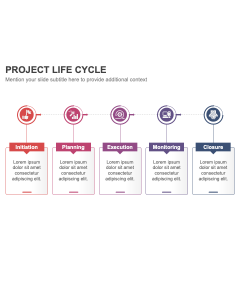
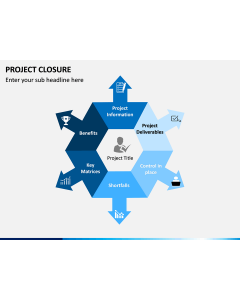
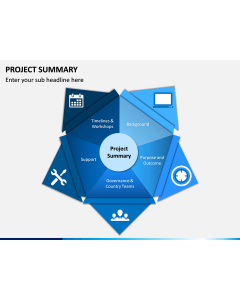
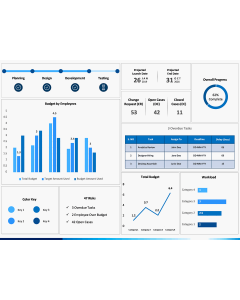
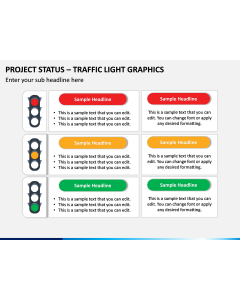
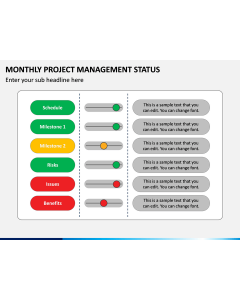

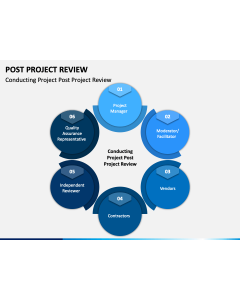
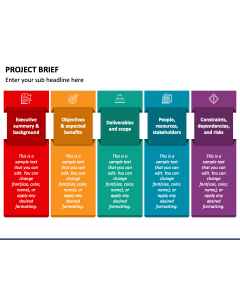
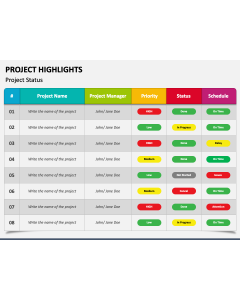
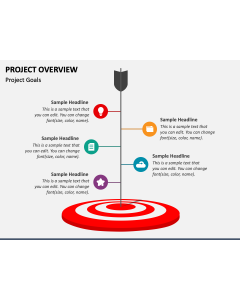
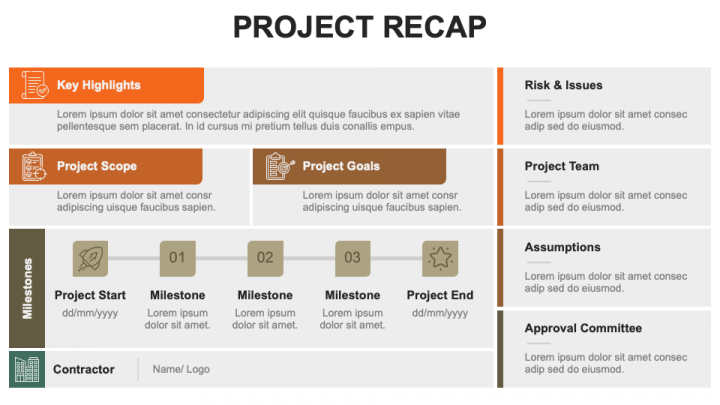
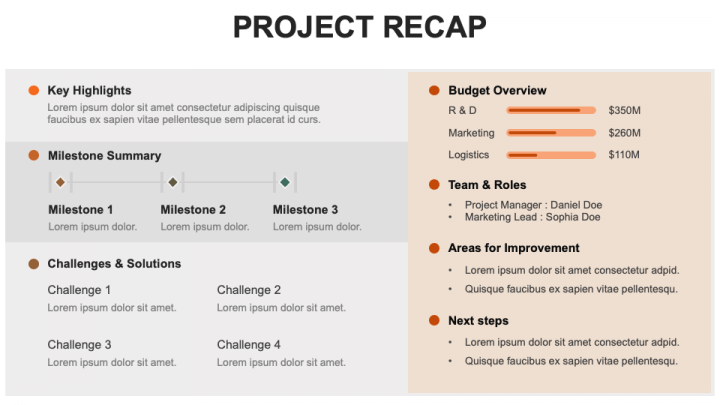
Lay your hands on our Project Recap template for PowerPoint and Google Slides to display a concise summary of a project’s progress, achievements, challenges, and future direction. Project managers can provide stakeholders with a quick overview of accomplished milestones, key decisions, timelines, and lessons learned, keeping all parties informed about the project’s journey and results. The deck also comes in handy for presenting the project’s progress, individual contribution, ROI, etc. Analysts can use this set to explain what went well, what didn’t, and what can be improved for future projects.
The slides, featuring eye-catching layouts, display the project’s intricacies, including key highlights, scope, goals, milestones, teams, roles, budget, assumptions, areas of improvement, etc.
These versatile visuals can be reused in future presentations to make them more engaging and memorable.
Features
- Edit the deck components to align with your presentation’s theme effortlessly.
- Display high-definition visuals on any screen without hampering the optical resolution or clarity.
- Since the entire set has been crafted from scratch, no user will confront copyright issues.
- Our dedicated customer support team is available at your service 24*7.
Download this PPT once to gain lifetime access!