


Software Onboarding Process PowerPoint and Google Slides Template
Software Onboarding Process PowerPoint and Google Slides Template
(8 Editable Slides)
Related Presentation Templates


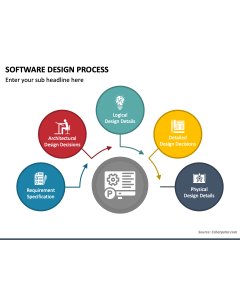
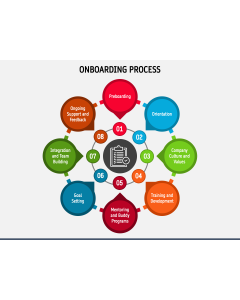
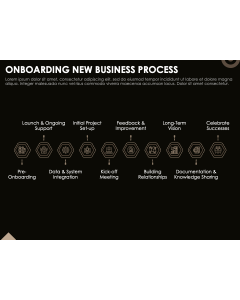
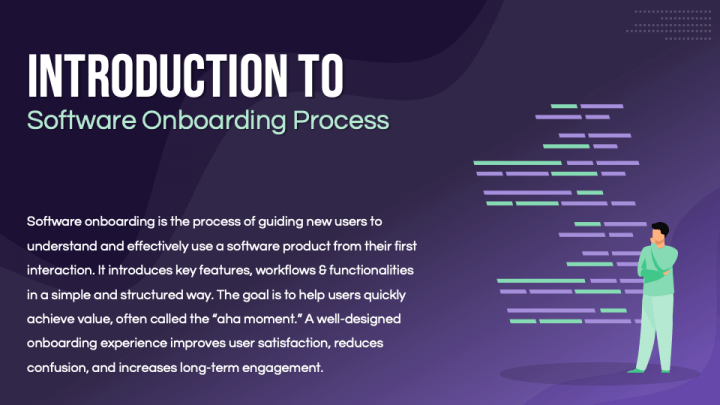
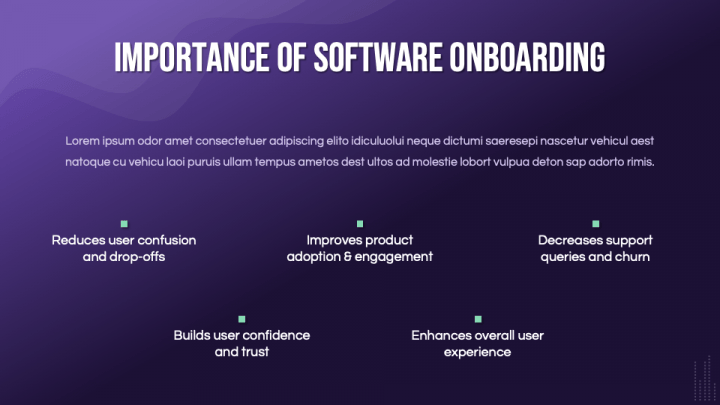
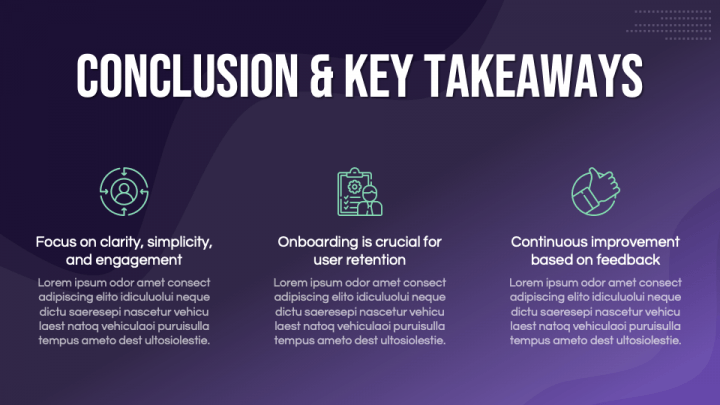
First impressions matter - especially with software. You can have a powerful product, but if users don’t understand how to get started, they’ll drop off quickly. Explaining an onboarding process sounds simple, yet when it comes to presenting it - flows, steps, user actions - it often turns into a cluttered mess. This template helps you lay it all out clearly, so your audience sees the journey from day one to adoption without confusion.
Map the User Journey Step by Step
A good onboarding process isn’t just a checklist. It’s a guided experience.
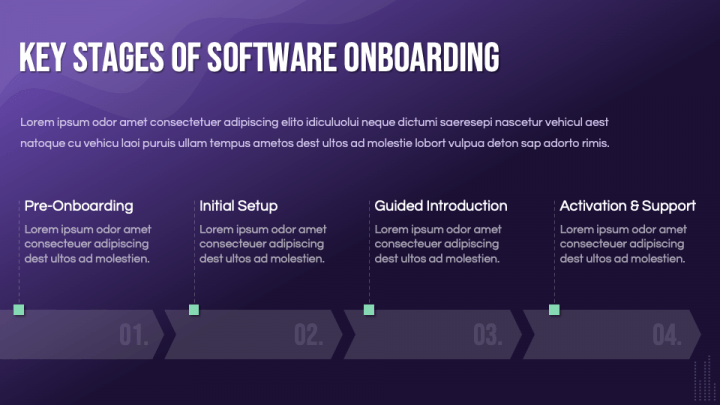
This PPT template is designed to break that experience into structured, easy-to-follow stages. Whether you're walking through account setup, feature discovery, or user activation, each slide helps you show progression in a logical way.
You can present
- Initial setup and welcome steps
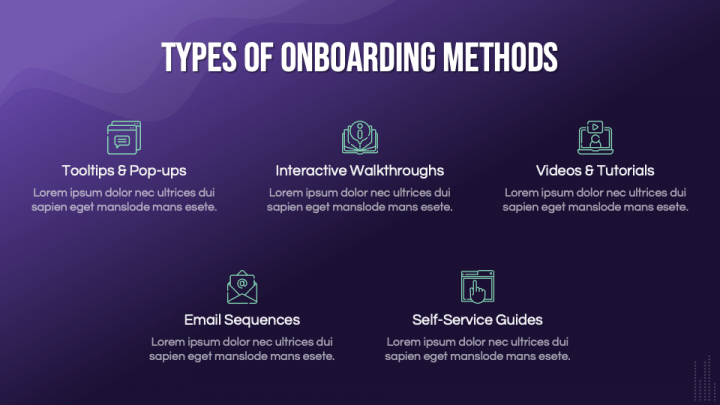
- Guided product tours or tutorials
- Key activation milestones
- Ongoing engagement and support touchpoints
Instead of long explanations, your process becomes something your audience can quickly grasp.
Designed for Product, SaaS, and Training Teams
If you’ve ever tried explaining onboarding to stakeholders or new team members, you know how quickly details can pile up.
This template keeps things focused. The layouts are clean, with enough flexibility to go high-level or dive into specifics when needed. It works well for product managers, customer success teams, trainers, and consultants.
For example
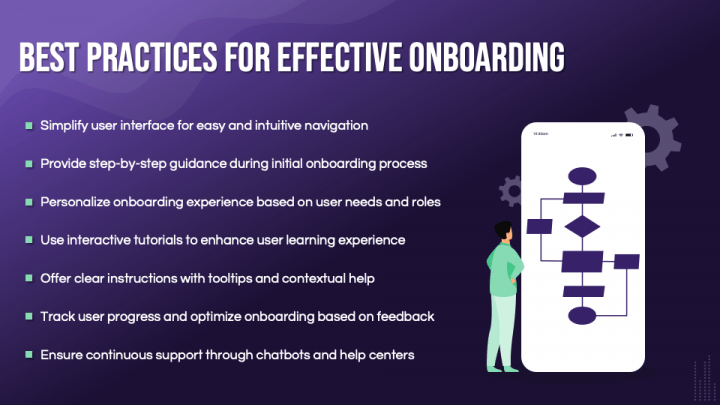
- Show a full onboarding flow on one slide for a quick overview
- Break down each stage into individual slides with actions and goals
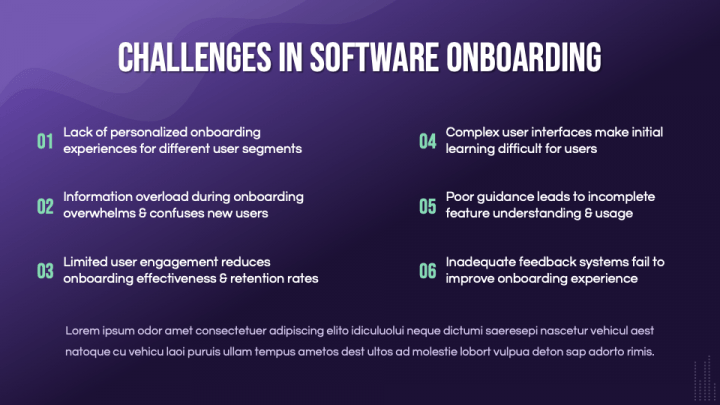
- Highlight friction points and improvements in the process
Practical, Editable, and Ready to Use
You don’t need design experience to make this look good.
The slides are built for quick editing - just replace the text, adjust icons, and align it with your brand. Everything is structured to save time while still giving you control over how detailed you want to go.
It’s especially useful when you need to prepare
- Client onboarding presentations
- Internal training decks
- Product walkthrough sessions
Seamless Across PowerPoint and Google Slides
No formatting issues, no rework. Whether your team uses PowerPoint or Google Slides, the template stays consistent and easy to edit.
Help People Understand, Not Just Follow
Onboarding isn’t just about steps - it’s about helping users feel confident with your product.
This PowerPoint template gives you a clear way to present that journey. It keeps your message organized, your visuals clean, and your audience focused on what matters understanding how everything fits together.